1
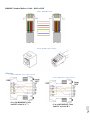
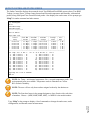
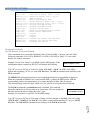
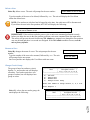
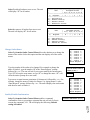
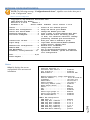
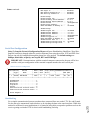
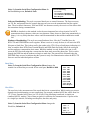
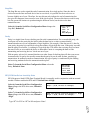
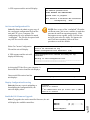
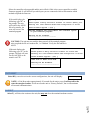
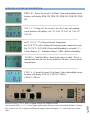
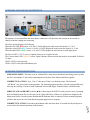
Rack Mount Hardware Tool Less hardware installed on back of unit. If hardware is not needed, remove with Phillips screwdriver. Instructions to install M140C138 brackets to the Baytech vertical power strip. In each unit locate the small bubble wrapped brackets containing two brackets and four screws. See figure 1 and 2. Figure1 Figure2 Line up the bracket holes to the holes on the unit. Figure 3. Figure 3 Screw in two screws. Figures 4, 5, & 6 show the bracket mounted in three different positions. Figure 4 Figure 5 Page 12 Figure 6