1
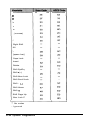
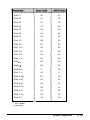
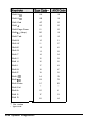
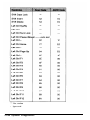
When you select Hard Disk Format, the program requests the
following hard disk parameters:
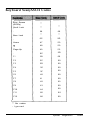
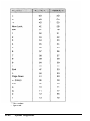
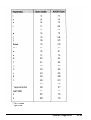
Disk drive identifier
Disk drive type
Interleave factor
Bad track list (optional)
Start cylinder number
End cylinder number
Start head number
End head number
If you do not specify the bad track list, the program performs an
analysis of the surface of the hard disk to determine the bad
tracks.
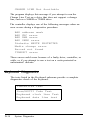
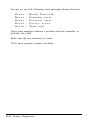
The program displays the following messages after you specify
the hard disk parameters:
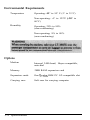
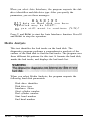
W A R N I N G
All data on Hard disk you have
specified may be LOST...
Do you still want to continue (Y/N)?
Press Y and Enter to start formatting the hard disk. Press N and
Enter to stop the operation.
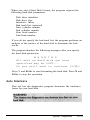
Auto Interleave
This test lets the diagnostics program determine the interleave
factor for your hard disk.
System Diagnostics
D-25