1
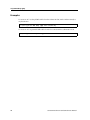
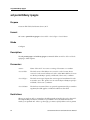
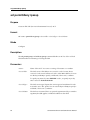
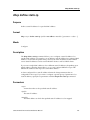
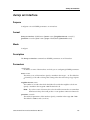
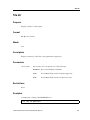
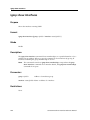
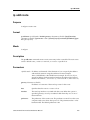
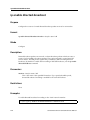
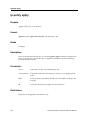
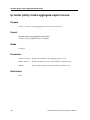
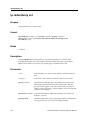
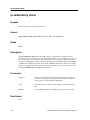
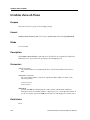
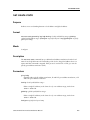
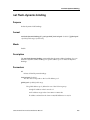
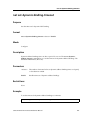
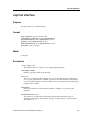
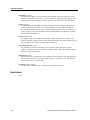
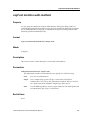
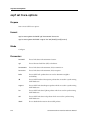
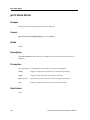
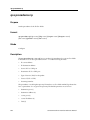
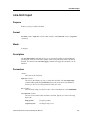
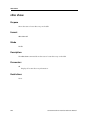
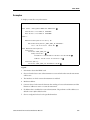
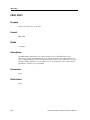
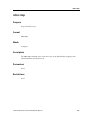
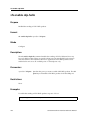
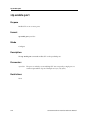
pvst enable port spanning-tree
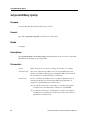
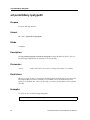
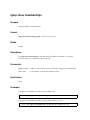
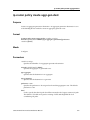
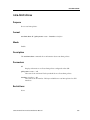
pvst enable port spanning-tree
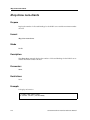
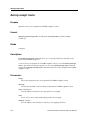
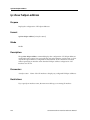
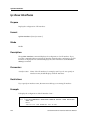
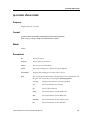
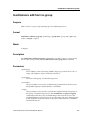
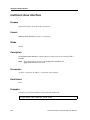
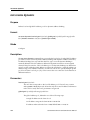
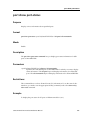
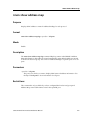
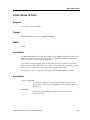
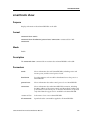
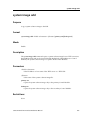
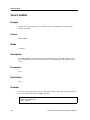
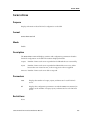
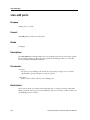
Purpose
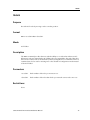
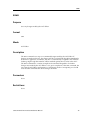
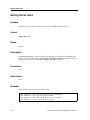
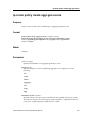
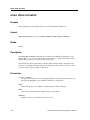
Enable PVST on one or more ports on a particular spanning tree.
Format
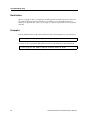
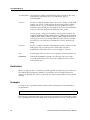
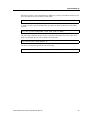
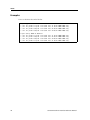
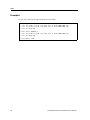
pvst enable port <port-list> spanning-tree <string>
Mode
Configure
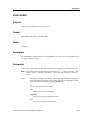
Description
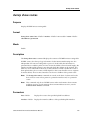
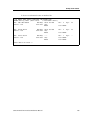
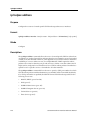
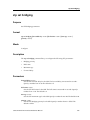
The pvst enable port command enables STP on the specified port for the specified
spanning tree.
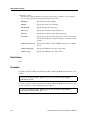
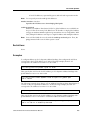
Parameters
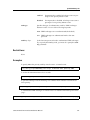
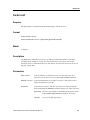
<port-list> The ports on which you are enabling STP. You can specify a single port or a
comma-separated list of ports. Example: et.1.3,et.(1-3).(4,6-8).
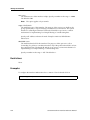
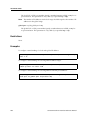
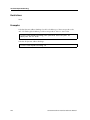
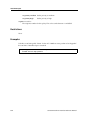
<string>
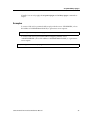
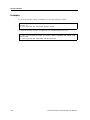
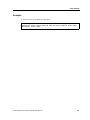
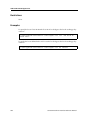
Note:
The name of the spanning-tree instance. This name is the same as the VLAN
name.
For default VLAN, use stp commands.
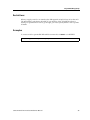
Restrictions
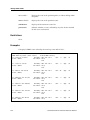
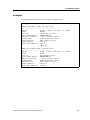
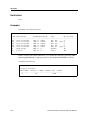
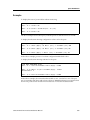
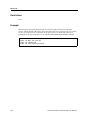
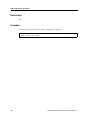
For PVST, the spanning tree instance must have previously been created.
SSR Command Line Interface Reference Manual
581