1
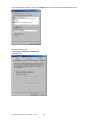
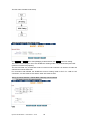
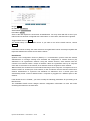
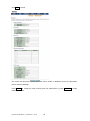
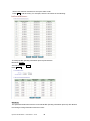
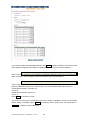
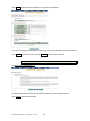
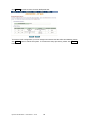
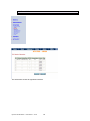
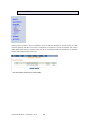
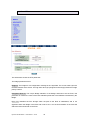
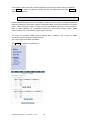
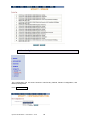
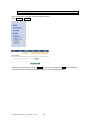
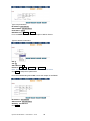
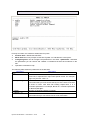
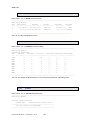
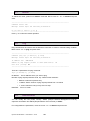
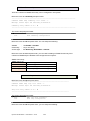
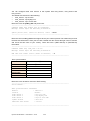
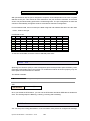
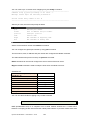
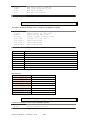
Press Restart to restart the gateway working with the new parameters and press Continue to
setup other parameters.
4.4.3
SYSLOG
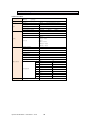
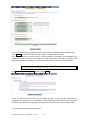
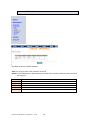
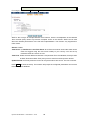
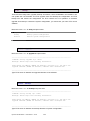
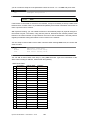
Syslog is a standard method of centralizing various logs. You can use a syslog server to store your
servers logs in a remote location for later perusal or long-term storage.
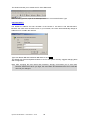
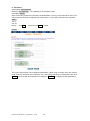
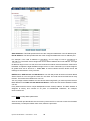
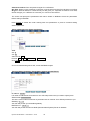
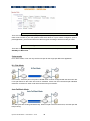
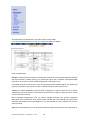
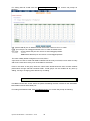
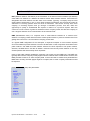
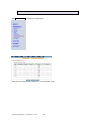
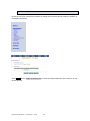
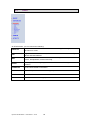
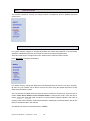
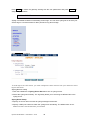
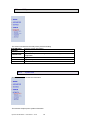
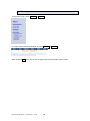
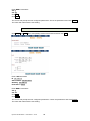
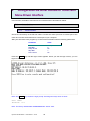
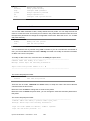
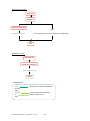
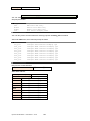
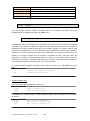
Click SYSLOG to configure
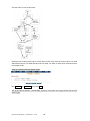
To send logs to the LOG server, you must configure the other servers from your network to send
logs to that server.
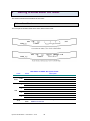
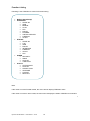
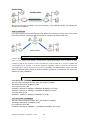
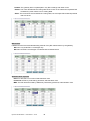
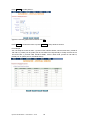
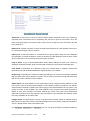
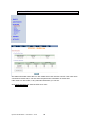
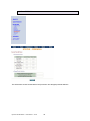
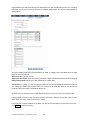
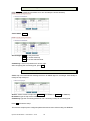
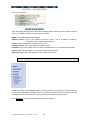
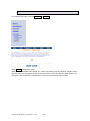
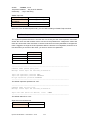
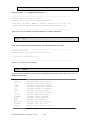
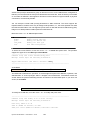
Syslog Service setup
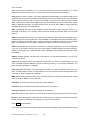
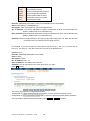
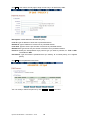
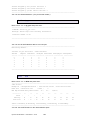
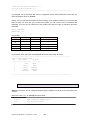
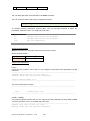
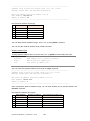
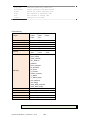
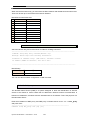
1. Click the enable item of Syslog Server Service to turn on syslog service.
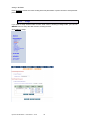
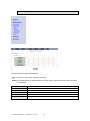
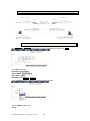
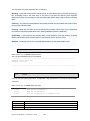
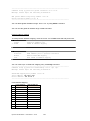
2. Select the syslog server facility. The log facility allows you to send logs to different files in the
syslog server.
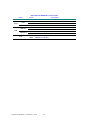
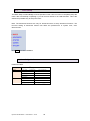
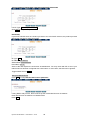
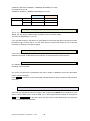
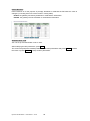
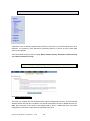
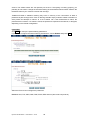
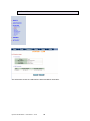
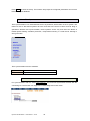
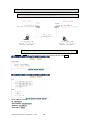
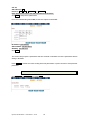
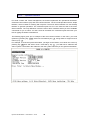
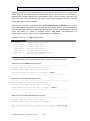
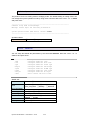
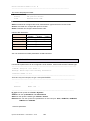
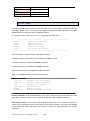
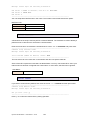
Syslog Server Setup
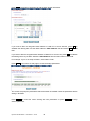
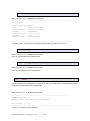
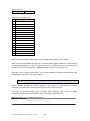
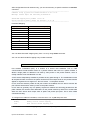
3. Specify an server name to which all syslog messages will be sent.
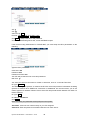
4. Specify a UDP port number to which the syslog server is listening. The default value is 514.
Make sure this is not blocked from your firewall.
Dynamix UM-SB Series
User Manual
V0.06
78