1
Setting the telephone
9 Setting the telephone
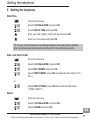
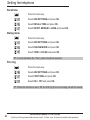
Date/Time
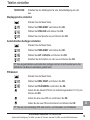
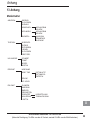
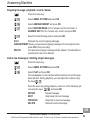
Press the menu key.
/
Select CLOCK&ALARM and press OK.
/
Select DATE & TIME and press OK.
Enter year (last 2 digits), month and day and press OK.
Enter hour and minute and press OK.
☞ In case of mains failure at the desktop telephone this setting will be deleted
when simultaneously the handset is switched off or the batteries are empty.
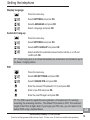
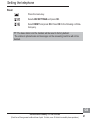
Date- and time format
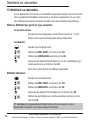
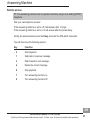
Press the menu key.
/
Select CLOCK&ALARM and press OK.
/
Select SET FORMAT and press OK.
/
Select TIME FORMAT, press OK and select the time format (12 h /
24 h ).
/
Select DATE FORMAT, press OK and select the date format
(TT/MM / MM/TT ).
or
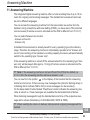
Alarm
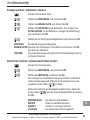
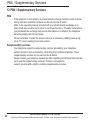
Press the menu key.
/
Select CLOCK&ALARM and press OK.
/
Select ALARM and press OK.
Service-Hotline Germany: Tel. 0180 5 001388
(Costs for call from german landline at time of print: 14 ct/min, max. 42 ct/min from mobile phone providers.)
GB
17