1
sp4000Guide.book Page 83 Friday, October 22, 2004 5:06 PM
Printing with EPSON Drivers for Windows | 83
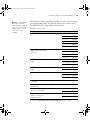
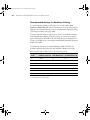
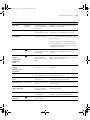
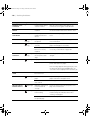
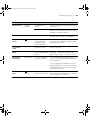
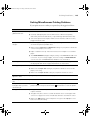
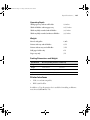
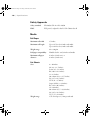
The following table shows recommended image widths (in inches) for
borderless printing using either the Auto Expand or Retain Size setting:
Recommended image widths (in inches) for borderless printing
Roll paper
width
Image width
Image width
Custom Paper Size
(with Auto Expand) (with Retain Size) (for Retain Size only
8*
7.7675
8.3
8.2
8.3
8.06
8.35
8.3
10
9.7075
10.3
10.2
12*
11.695
12.3
12.2
14*
13.695
14.3
14.2
16
15.6
16.3
16.2
17
16.6
17.3
17.2
* Non-EPSON roll media widths
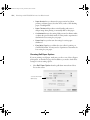
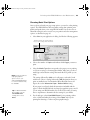
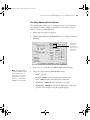
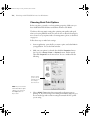
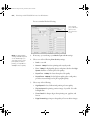
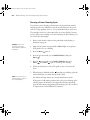
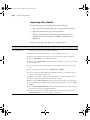
Choosing Advanced Print Options
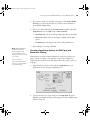
The advanced settings give you complete control over your printing
environment. If you are using color management setttings in Photoshop or
another application, it is very important to access the advanced settings and
turn off color management in the printer driver, as described on page 85.
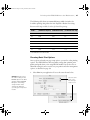
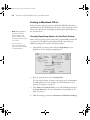
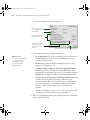
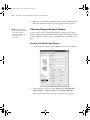
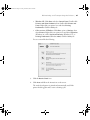
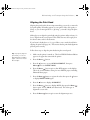
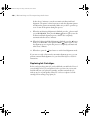
1. Follow steps 1 through 4 beginning on page 76.
2. Click Custom and then click Advanced.
3-83