1
Part Names and Functions
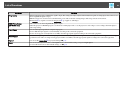
Name
15
Function
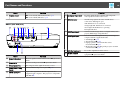
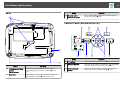
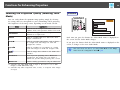
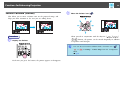
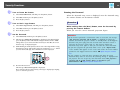
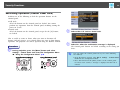
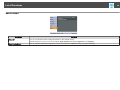
F [Help] button
Displays and closes the Help screen which shows you
how to deal with problems if they occur.s p.58
G [Esc] button
Stops the current function. If pressed when a
Configuration menu is displayed, it moves to the
previous menu level. s p.48
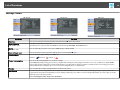
H [Tele]/[Wide] buttons
Adjusts the projection screen size. Pressing the [Tele]
button reduces the projection screen size, and pressing
the [Wide] button increases it. s Quick Start Guide
If pressed when a Configuration Menu or a Help screen
is displayed, these buttons select menu items and setting
values.s p.48
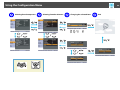
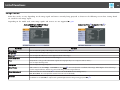
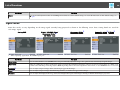
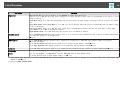
I [Menu] button
Displays and closes the Configuration Menu.s p.48
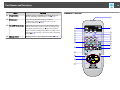
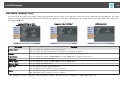
Remote Control