1
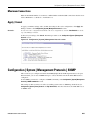
Configuration | System | Management Protocols | SNMP
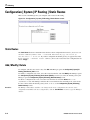
Maximum Connections
Enter the maximum number of concurrent, combined Telnet and Telnet/SSL connections that the server
allows. Minimum is 1, default is 5, maximum is 10.
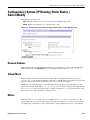
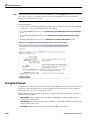
Apply / Cancel
To apply your Telnet settings, and to include the settings in the active configuration, click Apply. The
Manager returns to the Configuration | System | Management Protocols screen.
Reminder:
To save the active configuration and make it the boot configuration, click the Save Needed icon at the
top of the Manager window.
To discard your settings, click Cancel. The Manager returns to the Configuration | System | Management
Protocols screen.
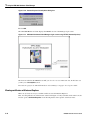
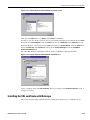
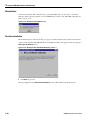
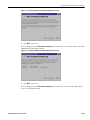
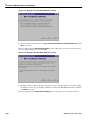
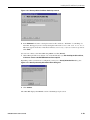
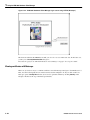
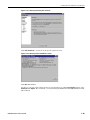
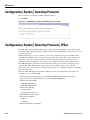
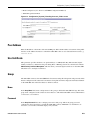
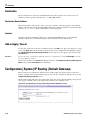
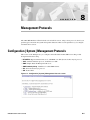
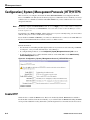
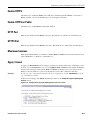
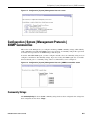
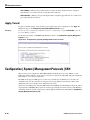
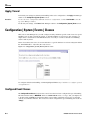
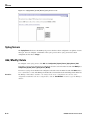
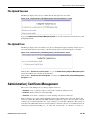
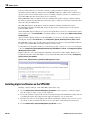
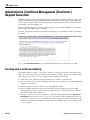
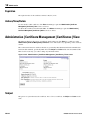
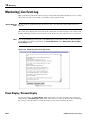
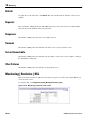
Figure 8-5: Configuration | System | Management Protocols screen
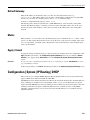
Configuration | System | Management Protocols | SNMP
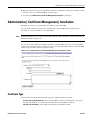
This screen lets you configure and enable the SNMP (Simple Network Management Protocol) agent.
When enabled, you can use an SNMP manager to collect information from the VPN 3002 but not to
configure it.
To use SNMP, you must also configure an SNMP Community on the Configuration | System | Management
Protocols | SNMP Communities screen.
The settings on this screen have no effect on sending system events to SNMP trap destinations (see
Configuration | System | Events | General and Trap Destinations). For those functions, the VPN 3002 acts as
an SNMP client.
VPN 3002 Hardware Client User Guide
8-5