1
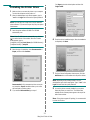
Installing the Toner Cartridge
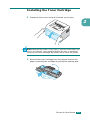
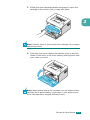
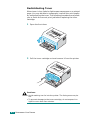
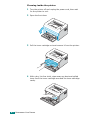
1 Grasp the front cover and pull it toward you to open.
2
Note: Because the printer is very light, it may be moved when you
use it; for example, when opening/closing the tray or installing/
removing the toner cartridge. Be careful not to move the printer.
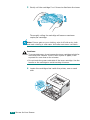
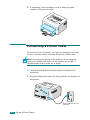
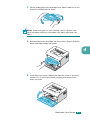
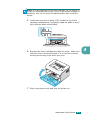
2 Remove the toner cartridge from its bag and remove the
paper protecting the cartridge by pulling the packing tape.
SETTING UP YOUR PRINTER
2.4