1
Installation Guide
Creative DSL USB 7410
RFC 2364
2 INSTALLATION IN WINDOWS 98
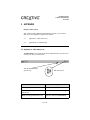
This section provides you with instructions on how to install the device
driver of your Creative DSL 7410. It is organized as follows:
2.1
Installing the Creative DSL 7410 Device Driver
2.2
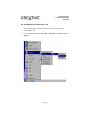
Uninstalling the Creative DSL 7410
2.1 Installing the Creative DSL 7410 Device Driver
1.
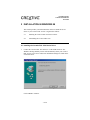
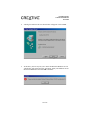
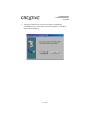
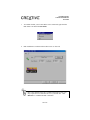
Connect the Creative DSL 7410 to the PC via the USB connector. The
Windows 98 Plug-and-Play feature will automatically detect your Creative
DSL 7410 as a new device and start an installation dialog box similar to the
one shown below.
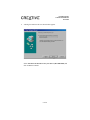
Click on Next to continue.
7 of 32