1
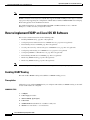
Implementing BGP on Cisco IOS XR Software
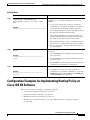
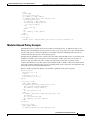
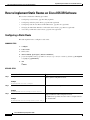
How to Implement BGP on Cisco IOS XR Software
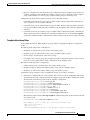
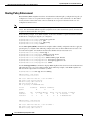
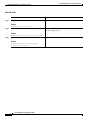
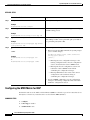
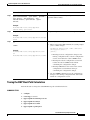
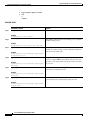
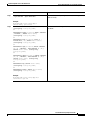
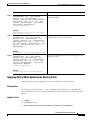
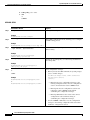
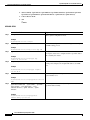
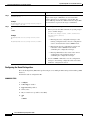
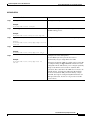
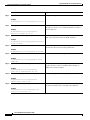
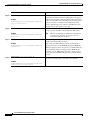
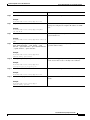
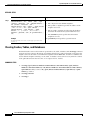
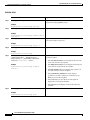
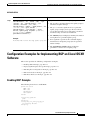
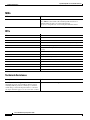
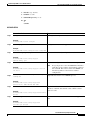
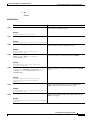
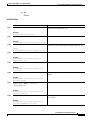
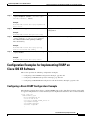
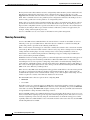
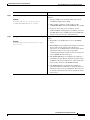
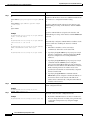
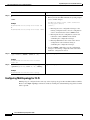
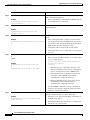
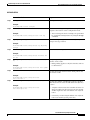
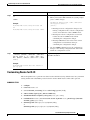
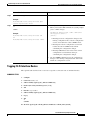
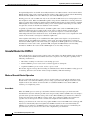
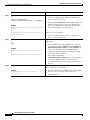
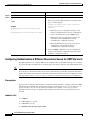
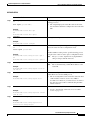
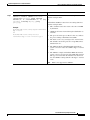
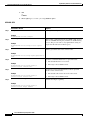
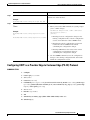
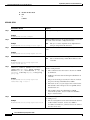
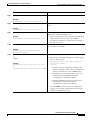
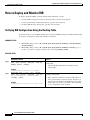
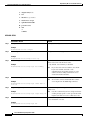
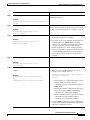
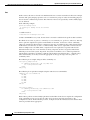
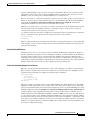
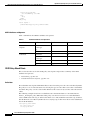
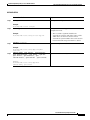
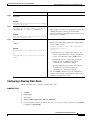
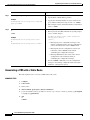
Step 7
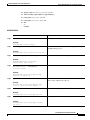
Command or Action
Purpose
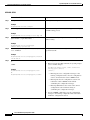
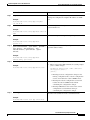
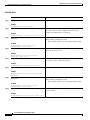
end
Saves configuration changes.
or
commit
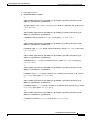
When you issue the end command, the system prompts
you to commit changes:
Example:
Uncommitted changes found, commit them before
exiting(yes/no/cancel)?
[cancel]:
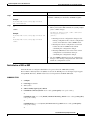
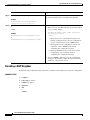
•
RP/0/RP0/CPU0:router(config-bgp-af)# end
or
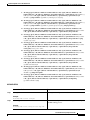
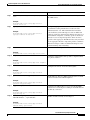
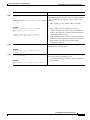
– Entering yes saves configuration changes to the
RP/0/RP0/CPU0:router(config-bgp-af)# commit
running configuration file, exits the configuration
session, and returns the router to EXEC mode.
– Entering no exits the configuration session and
returns the router to EXEC mode without
committing the configuration changes.
– Entering cancel leaves the router in the current
configuration session without exiting or
committing the configuration changes.
•
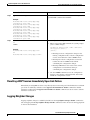
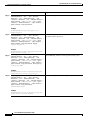
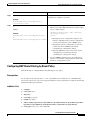
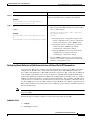
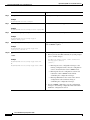
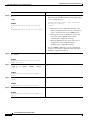
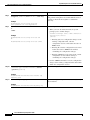
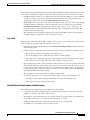
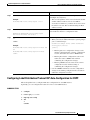
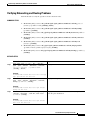
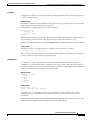
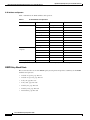
Step 8
show bgp [vrf vrf-name] ip-address
Use the commit command to save the configuration
changes to the running configuration file and remain
within the configuration session.
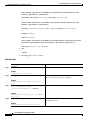
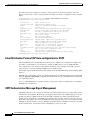
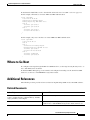
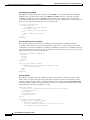
Displays the cost community in the following format:
Cost:<POI>:<cost community ID>:<cost number>
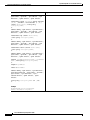
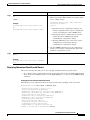
Example:
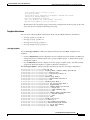
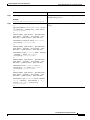
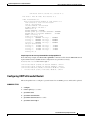
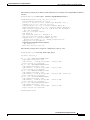
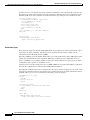
RP/0/RP0/CPU0:router# show bgp 172.168.40.24
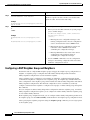
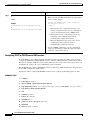
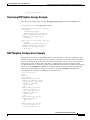
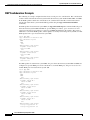
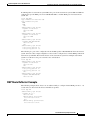
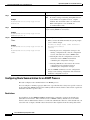
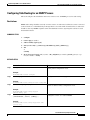
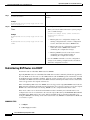
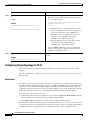
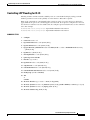
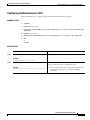
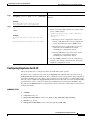
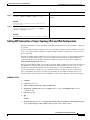
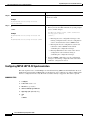
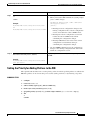
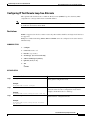
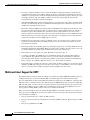
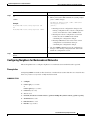
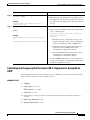
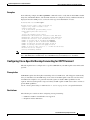
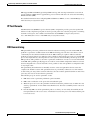
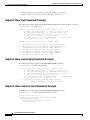
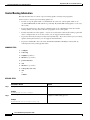
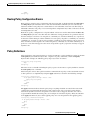
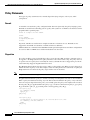
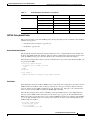
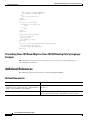
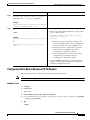
Configuring Software to Store Updates from a Neighbor
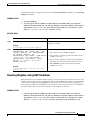
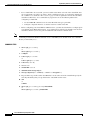
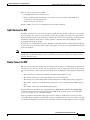
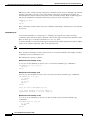
Perform this task to configure the software to store updates received from a neighbor.
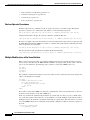
The soft-reconfiguration inbound command causes a route refresh request to be sent to the neighbor if
the neighbor is route refresh capable. If the neighbor is not route refresh capable, the neighbor must be
reset to relearn received routes using the clear bgp soft command. See the “Resetting Neighbors Using
BGP Dynamic Inbound Soft Reset” section on page RC-118.
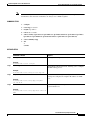
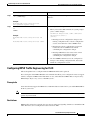
Note
Storing updates from a neighbor works only if either the neighbor is route refresh capable or the
soft-reconfiguration inbound command is configured. Even if the neighbor is route refresh capable and
the soft-reconfiguration inbound command is configured, the original routes are not stored unless the
always option is used with the command. The original routes can be easily retrieved with a route refresh
request. Route refresh sends a request to the peer to resend its routing information. The
soft-reconfiguration inbound command stores all paths received from the peer in an unmodified form
and refers to these stored paths during the clear. Soft reconfiguration is memory intensive.
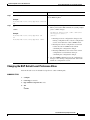
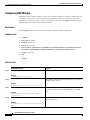
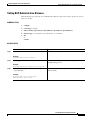
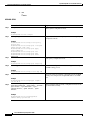
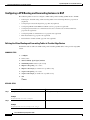
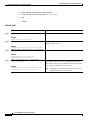
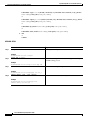
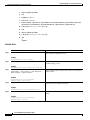
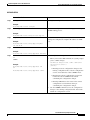
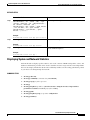
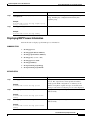
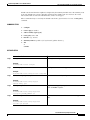
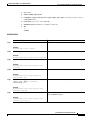
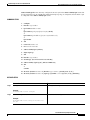
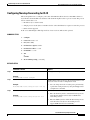
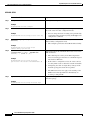
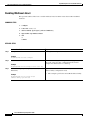
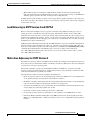
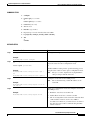
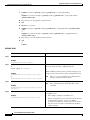
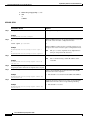
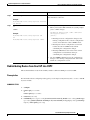
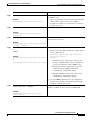
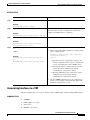
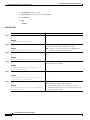
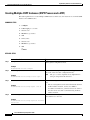
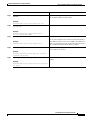
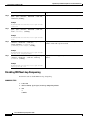
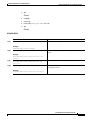
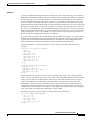
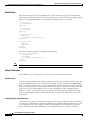
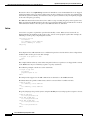
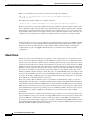
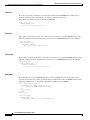
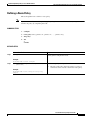
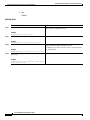
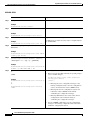
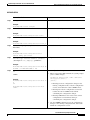
SUMMARY STEPS
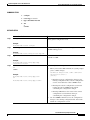
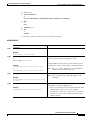
1.
configure
2.
router bgp as-number
3.
neighbor ip-address
Cisco IOS XR Routing Configuration Guide
RC-89