1
Implementing BGP on Cisco IOS XR Software
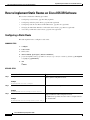
How to Implement BGP on Cisco IOS XR Software
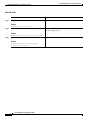
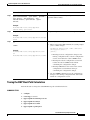
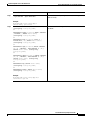
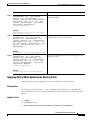
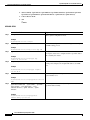
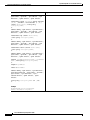
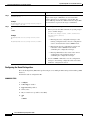
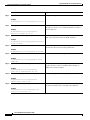
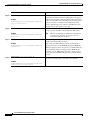
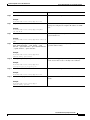
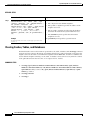
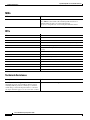
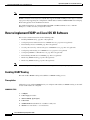
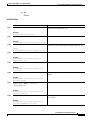
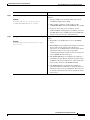
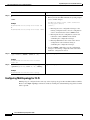
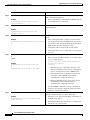
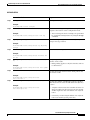
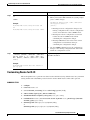
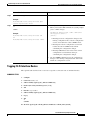
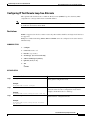
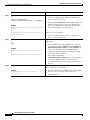
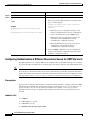
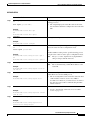
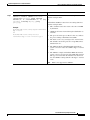
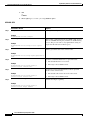
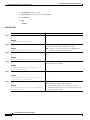
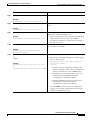
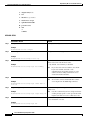
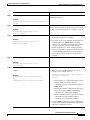
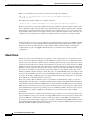
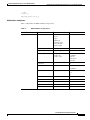
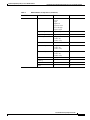
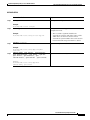
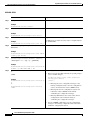
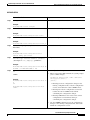
Step 7
Command or Action
Purpose
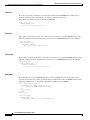
bgp bestpath compare-routerid
Configure the BGP speaker in the autonomous system to
compare the router IDs of similar paths.
Example:
RP/0/RP0/CPU0:router(config-bgp)# bgp bestpath
compare-routerid
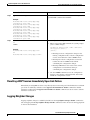
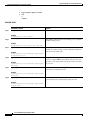
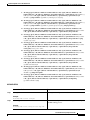
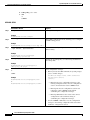
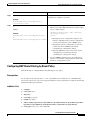
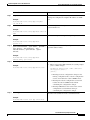
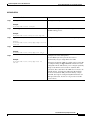
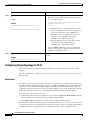
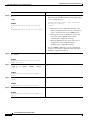
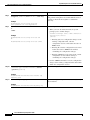
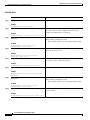
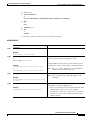
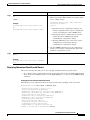
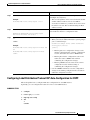
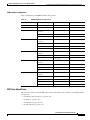
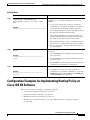
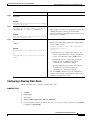
Step 8
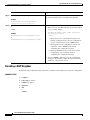
Saves configuration changes.
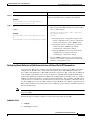
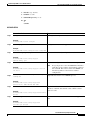
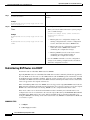
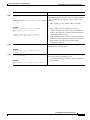
end
or
commit
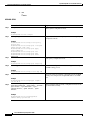
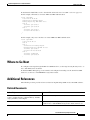
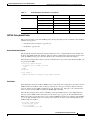
When you issue the end command, the system prompts
you to commit changes:
Example:
Uncommitted changes found, commit them before
exiting(yes/no/cancel)?
[cancel]:
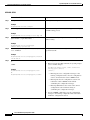
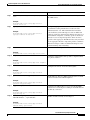
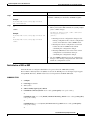
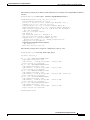
•
RP/0/RP0/CPU0:router(config-bgp)# end
or
– Entering yes saves configuration changes to the
RP/0/RP0/CPU0:router(config-bgp)# commit
running configuration file, exits the configuration
session, and returns the router to EXEC mode.
– Entering no exits the configuration session and
returns the router to EXEC mode without
committing the configuration changes.
– Entering cancel leaves the router in the current
configuration session without exiting or
committing the configuration changes.
•
Use the commit command to save the configuration
changes to the running configuration file and remain
within the configuration session.
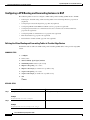
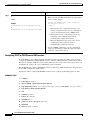
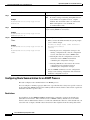
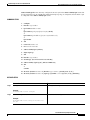
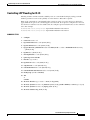
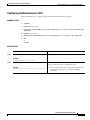
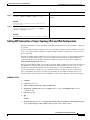
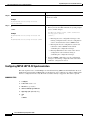
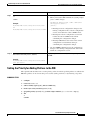
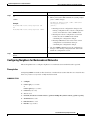
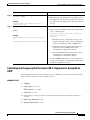
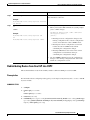
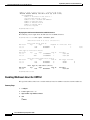
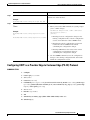
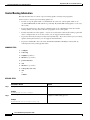
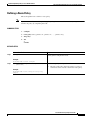
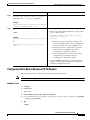
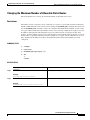
Indicating BGP Back-door Routes
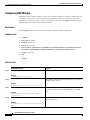
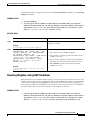
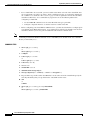
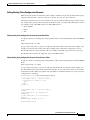
Perform this task to set the administrative distance on an external Border Gateway Protocol (eBGP) route
to that of a locally sourced BGP route, causing it to be less preferred than an Interior Gateway Protocol
(IGP) route.
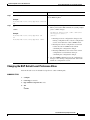
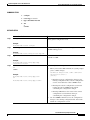
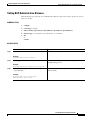
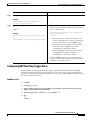
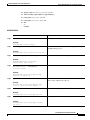
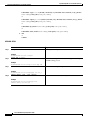
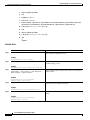
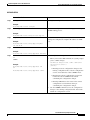
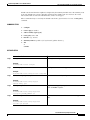
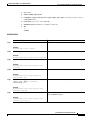
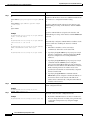
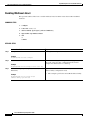
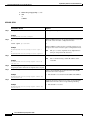
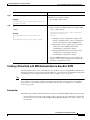
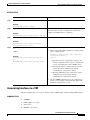
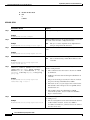
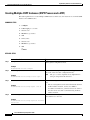
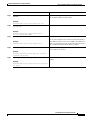
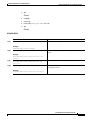
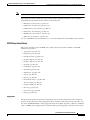
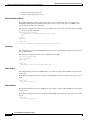
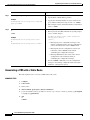
SUMMARY STEPS
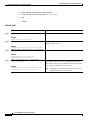
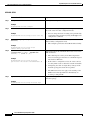
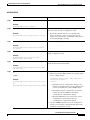
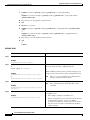
1.
configure
2.
router bgp as-number
3.
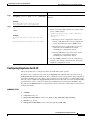
address-family {ipv4 unicast | ipv4 multicast | ipv6 unicast | ipv6 multicast}
4.
network {ip-address /prefix-length | ip-address mask} backdoor
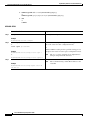
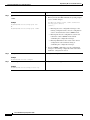
5.
end
or
commit
Cisco IOS XR Routing Configuration Guide
RC-57