1
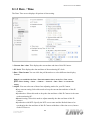
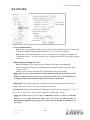
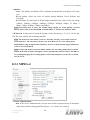
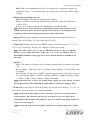
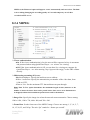
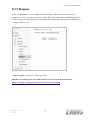
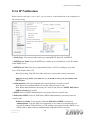
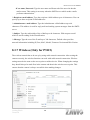
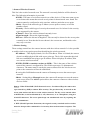
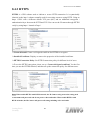
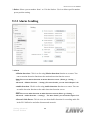
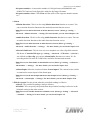
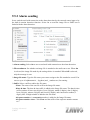
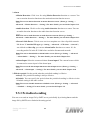
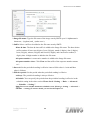
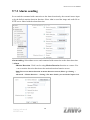
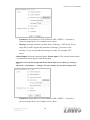
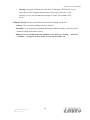
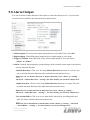
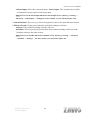
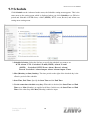
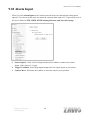
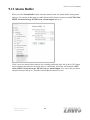
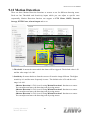
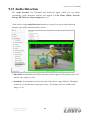
P5110 / P5115 User Manual 9.7.2 Alarm sending Set to send the command with connection to the alarm detection by the external sensor input or by the built-in motion detection function. Select “On“ to send the image and audio file to HTTP server linked with the alarm detection. Alarm sending: Select On to set to send command with connection to the alarm detection. Alarm Motion Detection: Click it on for using Motion Detection function as a sensor. You can set motion detection function at the motion detection function screen. Note: You can set motion detection at motion detection screen. (Please go “Setting → Advanced → Motion detection → Setting”) For more details, you can check Chapter 9.12. Setting-Advanced HTTP Event 72