1
DSL-G604T Generation II ADSL2+ Wireless Modem Router
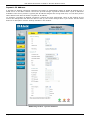
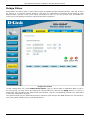
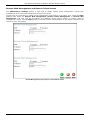
Remote Web Management and Remote Telnet Access
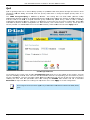
The Administrator Settings window is also used to enable remote Telnet management, remote SSH
management and remote web management access to the Router.
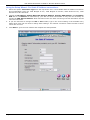
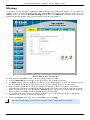
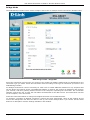
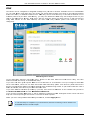
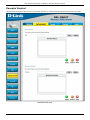
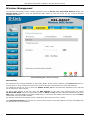
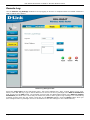
In each case, the procedure to enable remote management of the Router is the same. First, select the State
Enabled radio button for Remote Web Management, Remote Telnet Management, or Remote SSH
Management, and then type the IP Address and Netmask of the remote network or system used for
management. Finally, click the Apply button to activate remote management from the chosen IP address. Be
sure to save the new setting.
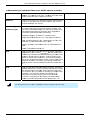
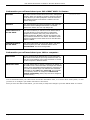
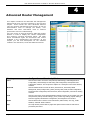
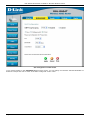
Remote Management (lower portion of Tools>Admin menu)
Page 87 of 110
www.dlink.com.au