1
4-2
Power Management
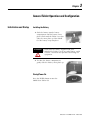
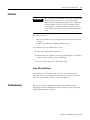
Battery Safety
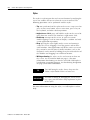
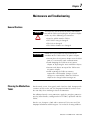
WARNING
Replacing or handling the battery incorrectly may
present a risk of fire or explosion, which could cause
serious injury.
• Only replace the main battery pack with the same
type of battery, specified by Rockwell
Automation (catalog number 2727-TRB7).
• Do not disassemble, short-circuit, or incinerate
batteries or expose them to temperatures above
+60°C (+140°F).
• Do not subject batteries to impact.
• Do not use rusty, discolored, cracked, or
otherwise damaged batteries.
• Properly dispose of batteries. Check with your
local solid waste officials for details about
recycling options or for proper disposal in your
area; or contact Rockwell Automation for
instructions.
Checking the Power Level
The power level of the batteries can be checked in three different
ways:
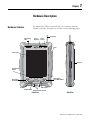
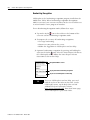
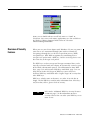
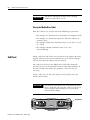
• Check the five battery status LEDs at the top left corner of the
Tablet case for the battery charge level (a percentage based on
the main battery’s capacity).
• Check the battery pack LEDs for the true power level of the
main battery (you must remove the battery to view these LEDs).
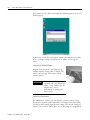
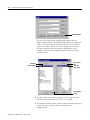
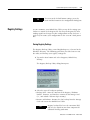
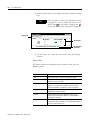
• Check the Tablet’s power properties, using the Control Panel,
for information on the power status of both the main battery
pack and backup battery.
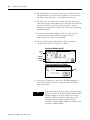
Main Battery Status LEDs
Battery Status LEDs
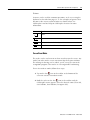
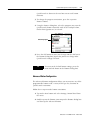
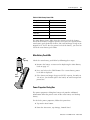
The Tablet can typically operate for up to 8 hours before the batteries
require recharging. This operation time may vary based on Tablet
settings, use, and environmental conditions. The five battery status
LEDs, on the top left corner of the Tablet, indicate the main battery
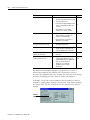
charge level in 20% increments. The charge level represented by the
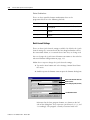
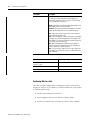
LEDS is shown in the following table.
Publication 2727-UM001D-EN-P - March 2004