1
Hardware Installation
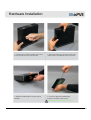
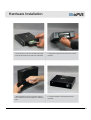
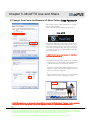
1. As shown above, unfasten the HDD cover screw an
d open the HDD cover on the side of product.
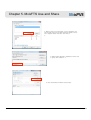
2. Remove the HDD cover on the side of product by p
ressing it down in the middle as shown in the picture.
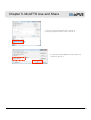
3. Separate the HDD guard from the main body of
MvixPVR.
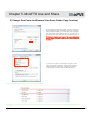
4. Connect the HDD guard and SATA HDD
as shown in the picture. Fasten screws.
HDD connection terminal must be on the left.
12
Unicorn Information System