1
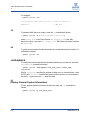
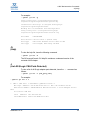
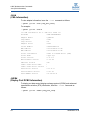
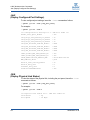
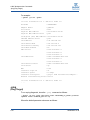
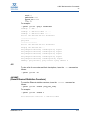
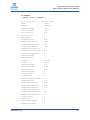
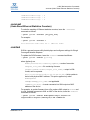
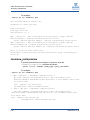
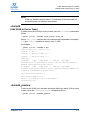
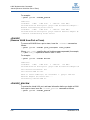
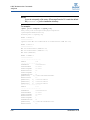
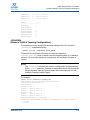
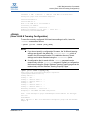
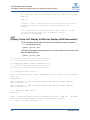
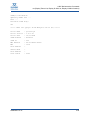
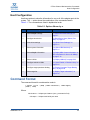
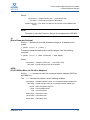
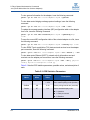
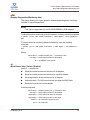
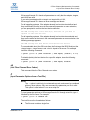
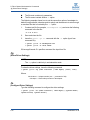
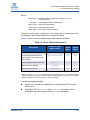
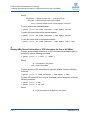
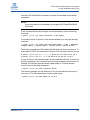
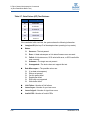
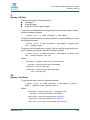
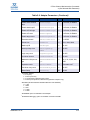
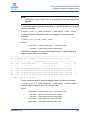
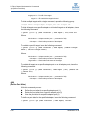
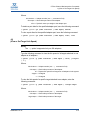
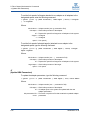
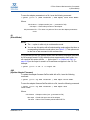
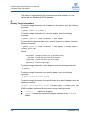
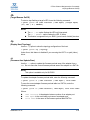
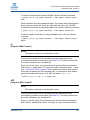
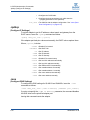
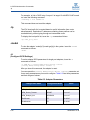
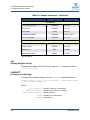
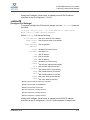
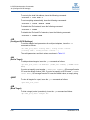
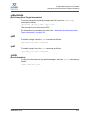
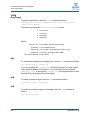
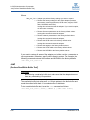
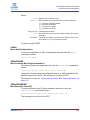
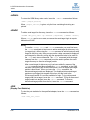
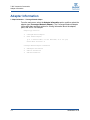
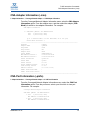
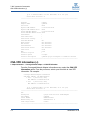
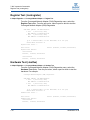
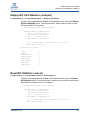
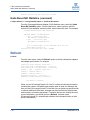
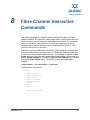
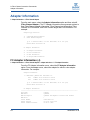
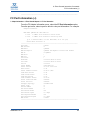
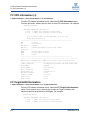
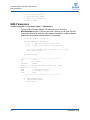
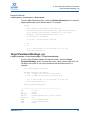
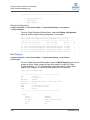
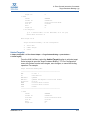
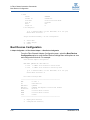
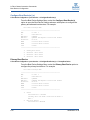
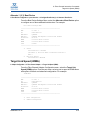
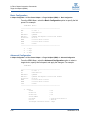
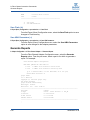
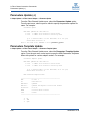
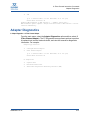
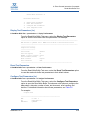
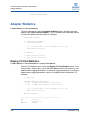
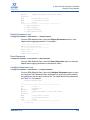
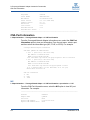
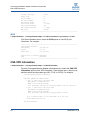
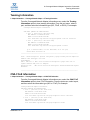
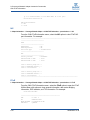
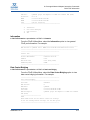
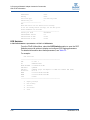
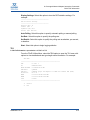
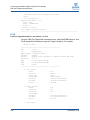
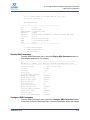
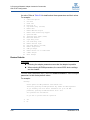
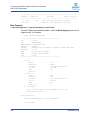
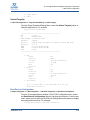
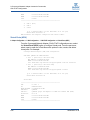
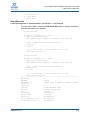
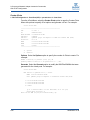
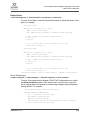
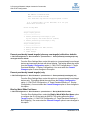
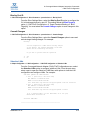
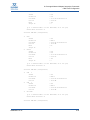
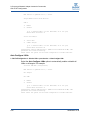
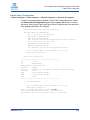
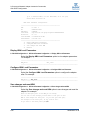
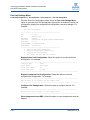
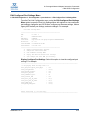
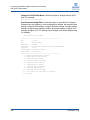
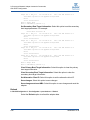
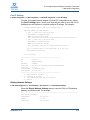
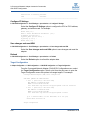
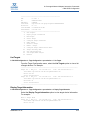
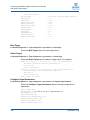
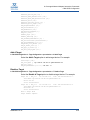
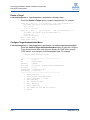
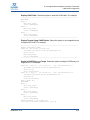
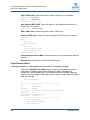
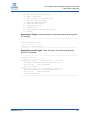
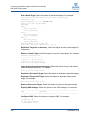
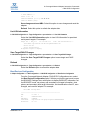
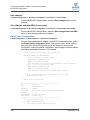
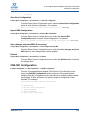
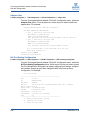
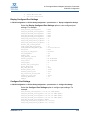
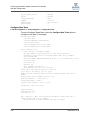
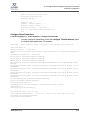
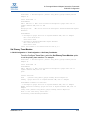
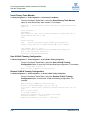
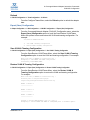
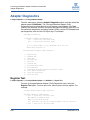
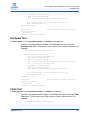
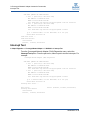
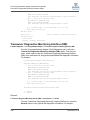
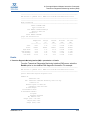
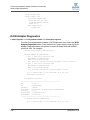
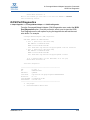
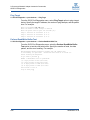
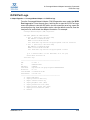
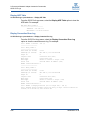
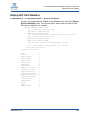
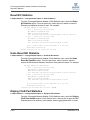
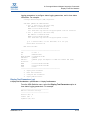
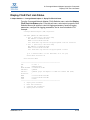
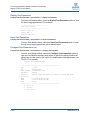
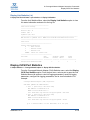
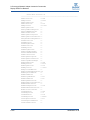
8–Fibre Channel Interactive Commands Generate Reports WWNN : 20-00-00-1B-32-17-F9-C4 Link : Online ======================================================= 1: Save Flash 2: Save HBA Parameters Save Flash (-b) 5. Export (Save) Configuration<port selection>1. Save Flash From the Export (Save) Configuration menu, select the Save Flash option to save changes to Flash memory. Save HBA Parameters (-r) 5. Export (Save) Configuration<port selection>2. Save HBA Parameters From the Export (Save) Configuration menu, select the Save HBA Parameters option to save changes to the adapter parameters. Generate Reports 2. Adapter Configuration2. Fibre Channel Adapter5. Generate Reports From the Fibre Channel Adapter Configuration menu, select the Generate Reports option. From the port menu, select a port to for which to generate a report. For example: Fibre Channel Adapter Configuration HBA Model QLE2462 SN: GFC0718P57753 1: Port 1: WWPN: 21-00-00-1B-32-17-F9-C4 Online 2: Port 2: WWPN: 21-01-00-1B-32-37-F9-C4 Loop Down (p or 0: Previous Menu; m or 98: Main Menu; ex or 99: Quit) Please Enter Selection: 1 QLogic FCAPI v1.7.3 Build 38 Copyright (C) 2003-2010 QLogic Corp. All rights reserved. QLogic FC/FCoE Common Library Build Type: Release Build Date: Dec 7 2010 13:44:03 -------------------------------------------------------------------------------Host Name : amd-28 OS Type : Linux - CentOS release 5.5 OS Version : 2.6.18-194.el5 FO API Version : 3.0.1 build6 SDM API Version : v6.00 build12 x86_64 -------------------------------------------------------------------------------. . 8-18 SN0054667-00 B