1
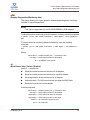
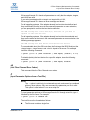
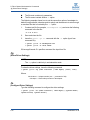
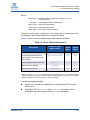
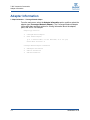
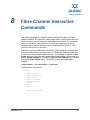
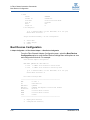
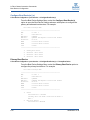
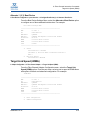
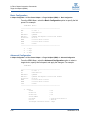
9 Converged Network Adapter Interactive Commands This section describes the interactive mode command line options for Converged Network Adapters. The interactive mode uses a series of menus from which you select the option you want and enter the number for that option. For information on noninteractive mode operation—in which you simply enter a one- or two-letter code to perform operations on the adapter, refer to the following sections for the corresponding adapter function: Section 4 NIC Noninteractive Commands Section 5 Fibre Channel Noninteractive Commands Section 6 iSCSI Noninteractive Commands This section uses a “breadcrumbs” line following most subsection headings that shows how to access that option; that is, it shows the hierarchical path from the top level to the command under discussion. For example, to reach the Flash Update option for Converged Network Adapters from the Main Menu, select option 3 to choose Adapter Updates, 1 to select the Converged Network Adapter type, and then 1 to see the Flash Update option. The following shows the breadcrumbs example: 3. Adapter Updates1. Converged Network Adapter1. Flash Update The Main Menu is as follows: Main Menu 1: Adapter Information 2: Adapter Configuration 3: Adapter Updates 4: Adapter Diagnostics 5: Adapter Statistics 6: Refresh 7: Help 8: Exit Please Enter Selection: SN0054667-00 B 9-1