1
Troubleshooting and routine maintenance
e
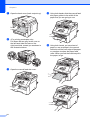
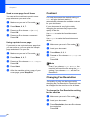
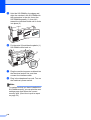
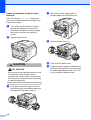
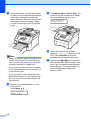
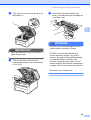
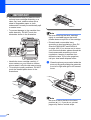
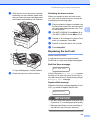
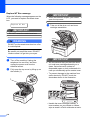
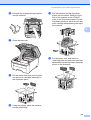
Slide each drum unit and toner cartridge
assembly into the machine. Make sure
that you match the toner cartridge colour
to the same colour label on the machine.
Cleaning the drum unit
C
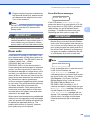
Small spots on the printed pages
C
If your printout has any small white or
coloured spots, follow the steps below to
solve the problem.
C
a
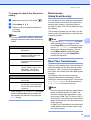
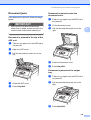
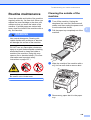
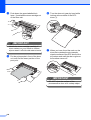
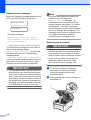
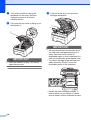
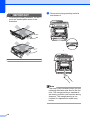
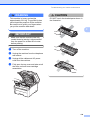
Open the manual feed slot cover.
b
Using both hands, slide the manual feed
slot paper guides to the width of the
paper that you are going to use.
C
M
Y
K
C-Cyan M-Magenta Y-Yellow K-Black
f
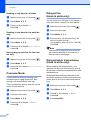
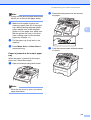
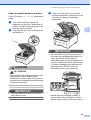
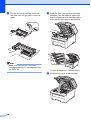
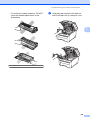
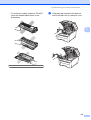
Repeat steps c to e to clean the
remaining corona wires.
g
h
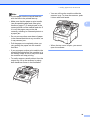
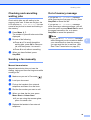
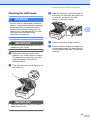
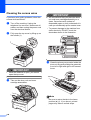
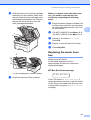
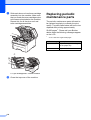
Close the top cover of the machine.
Plug the machine’s power cord back into
the electrical socket first, and then
reconnect all cables and telephone line
cord. Turn on the machine.
149