1
Option Installation
System Recovery
CAUTION
Never turn off the power during the system recovery because doing so may cause
serious damage to the E5052B.
Procedure to create the user backup image (only available when HDD
Revision is NM320 or below)
This section describes how to create the user backup image. The C and F drives’ contents
saved in this procedure are recalled when the user recovery function is executed.
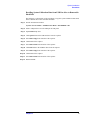
Step 1. Close the E5052B application by pressing System > Service Menu > Administrator Menu
> Exit E5052B > OK.
Step 2. Close all other applications you currently open.
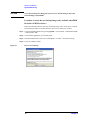
Step 3. From the Windows start menu, select All Programs > Acronis > Acronis True Image.
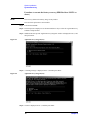
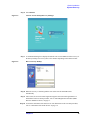
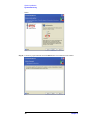
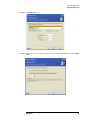
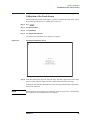
Step 4. Click “No, Thanks” button.
Figure 2-7
Recover User Backup
e5071cse1080
16
Chapter 2