1
Contacts App
Dialing a URI
The UC360 supports a number of third-party video conferencing services. You can access
these services with SIP URI dialing.
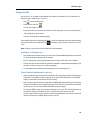
The Contacts App gives you the option to dial a SIP URI (Uniform Resource Identifier).
1.
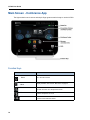
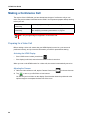
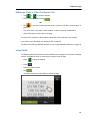
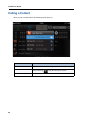
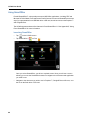
Tap
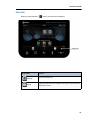
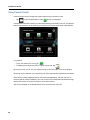
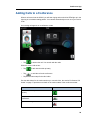
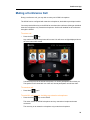
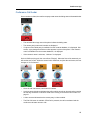
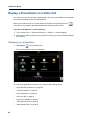
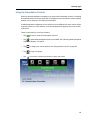
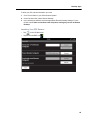
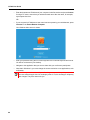
The following screen is displayed.
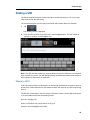
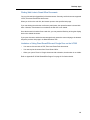
2.
Enter the URI username using the format: username@hostname. The port number is
optional, for example, [email protected].
Note: The "SIP URI Dial" feature only supports dialing out from the UC360 to a cloud-based
video conferencing service. SIP URI dialing between the UC360 and another video endpoint,
either inbound or outbound is not supported.
What is a URI?
A SIP URI (Uniform Resource Identifier) is an addressing mechanism that is used to place a
phone call to a SIP-based service; this could be another SIP end point or a SIP conferencing
service.
The SIP URI is essentially a user's or service's SIP phone number. The SIP URI looks similar
to an email address and uses the following format:
SIP URI = sip:x@y:Port
Where x=Username and y=host (domain or IP): port
Example: [email protected]:5060
45