1
DOTH-300
Date
2013-07-15
APPLICATION
MANUAL
Rev
1.04
Page
1-68
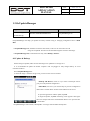
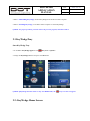
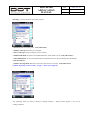
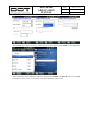
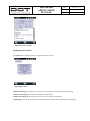
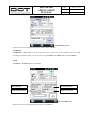
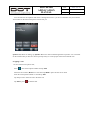
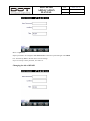
You are prompted to enter password. Input a password and then tap Enter in the task bar.
Initial password is set to “0000”.
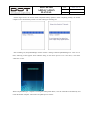
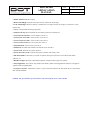
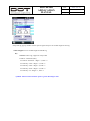
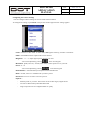
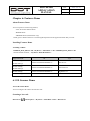
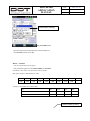
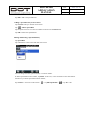
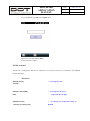
Modify / Add / Delete the contents of KIOSK
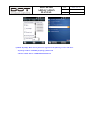
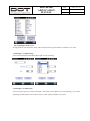
Move to Link tab
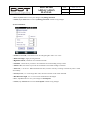
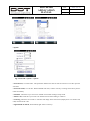
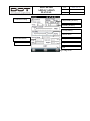
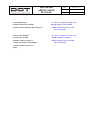
Modify : Select program to be changed and tap
Modify button.
Add : Tap Add to add a new icon.
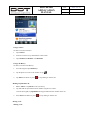
Delete : Select program to be deleted and tap
Delete button.
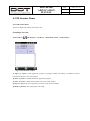
-> Delete 클릭