1
Eco Sensor and Screen Brightness
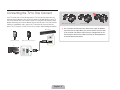
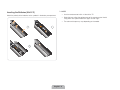
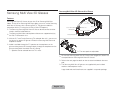
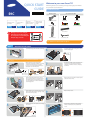
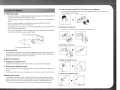
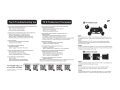
Assembling the Cable Manager
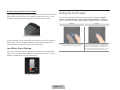
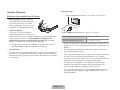
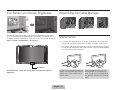
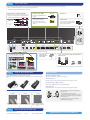
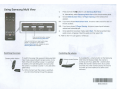
Eco Sensor measures the light in your room and optimizes the brightness
of the TV automatically to reduce power consumption. This causes the TV
to brighten and dim automatically. If you want to turn this function off, go to
Menu > System > Eco Solution > Eco Sensor
Maintenance
✎ If a sticker was attached to the TV screen, some debris can remain after
you remove the sticker. Please clean the debris off before watching TV.
✎ The exterior and screen of the product can get scratched during cleaning.
Be sure to wipe the exterior and screen carefully using the cloth provided
or a soft cloth to prevent scratches.
Eco Sensor
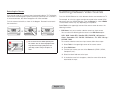
Do not block the sensor with any material. It can decrease picture
brightness.
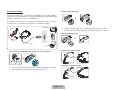
Do not spray water directly onto the
product. Any liquid that gets into the
product may cause a failure, fire, or
electric shock.
English - 29
Clean the product with a soft cloth
dampened with a small amount of
water. Do not use a flammable liquid
(e.g. benzene, thinners) or a cleaning
agent.