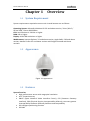
1
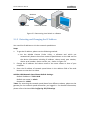
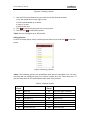
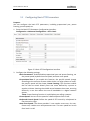
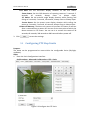
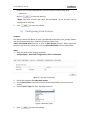
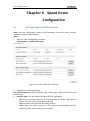
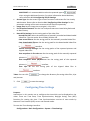
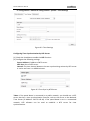
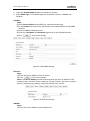
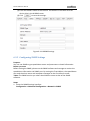
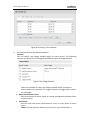
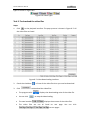
32 Advidia A200 User Manual PTZ OSD: Set the on-screen display duration of the PTZ status. -Zoom Status: Set the OSD duration of zooming status as 2 seconds, 5 seconds, 10 seconds, Always Close or Always Open. -PT Status: Set the azimuth angle display duration while panning and tilting as 2 seconds, 5 seconds, 10 seconds, Always Close or Always Open. -Preset Status: Set the preset name display duration while calling the preset as 2 seconds, 5 seconds, 10 seconds, Always Close or Always Open. Power-off Memory: The dome can resume its previous PTZ status or actions after it restarted from a power-off. You can set the time point of which the dome resumes its PTZ status. You can set it to resume the status of 30 seconds, 60 seconds, 300 seconds or 600 seconds before power-off. 3. Click to save the settings. 5.3 Configuring PTZ Stop Limits Purpose: The dome can be programmed to move within the configurable limits (left/right, up/down). Steps: 1. Enter the Limit Configuration interface: Configuration > Advanced Configuration > PTZ > Limit Figure 5-3 Configure the PTZ Limit