1
95
Advidia A200 User Manual
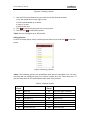
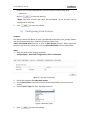
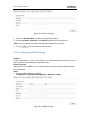
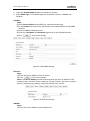
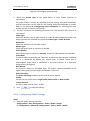
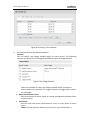
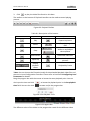
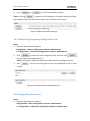
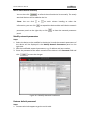
2. Click
to select the local upgrade file and then click
to start remote upgrade.
*Note: The upgrading process will take 1 to 10 minutes. Please don't disconnect
power of the speed dome during the process. The speed dome reboots automatically
after upgrading.
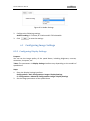
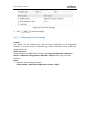
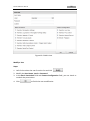
Figure 10-10 Remote Upgrade