1
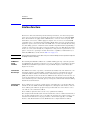
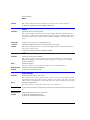
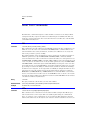
Disk Commands
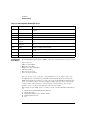
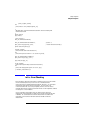
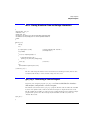
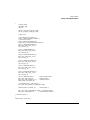
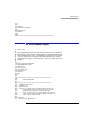
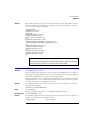
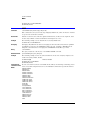
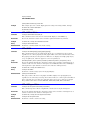
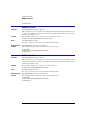
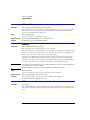
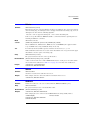
STORe
NOTE
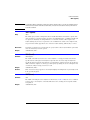
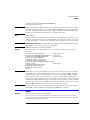
In Jitter Mode, this command generates a “Settings conflict” error if sources other than SETup and JDSource are
specified.
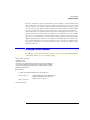
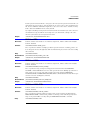
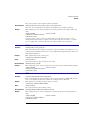
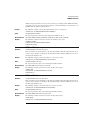
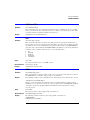
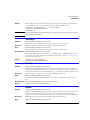
<N>
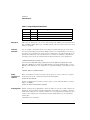
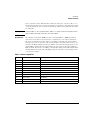
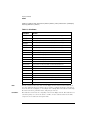
With the <source> argument, <N> represents an integer from 1 to 4, which identifies the
channel, function, TDR response or waveform memory number.
<file_name>
Name of the file, with a maximum of 254 characters (including the path name, if used). The
file name assumes the present working directory if a path does not precede the file name.
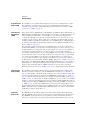
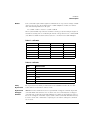
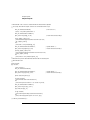
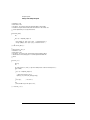
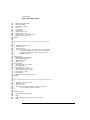
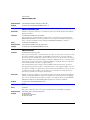
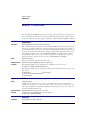
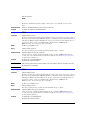
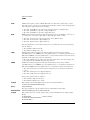
<format> for
Waveforms
{INTernal | TEXT {,<YVALues> | <VERBose> | <XYVerbose>}}
Include <format> when the <source> argument is WMEMory. The default is INTernal. In
TEXT mode, y values may be specified so that only the y values are stored. VERBose is the
default in which y values and the waveform preamble are stored. XYVerbose files contain
both x and y values. Only waveforms of 128K or less may be written to disk in the TEXT formats. See Chapter 25, “Waveform Commands” for information on converting data to values.
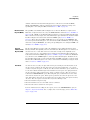
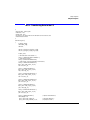
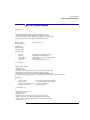
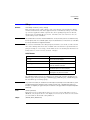
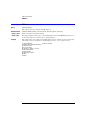
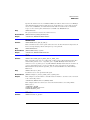
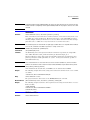
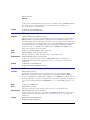
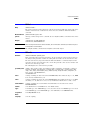
<format> for Jitter {INTernal | CSV}
Data
Include <format> when the <source> argument is JDSource. The CSV argument selects data
to be saved as comma separated values in a text file. This text file can be opened in text editors, spreadsheet applications, and word processors. The default argument is INTernal. See
Chapter 25, “Waveform Commands” for information on converting data to values.
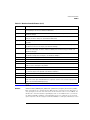
NOTE
This command operates only on files and directories on “D:\User Files” (C: on 86100A/B) or on any external drive
or mapped network drive.
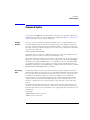
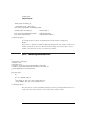
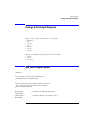
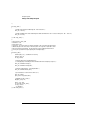
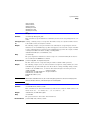
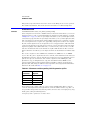
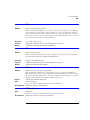
Example
10 OUTPUT 707;":DISK:STORE SET,""FILE1"""
10-10