1
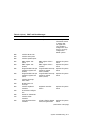
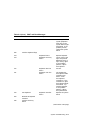
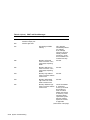
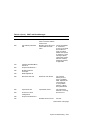
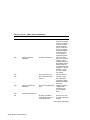
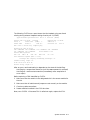
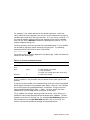
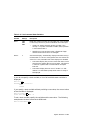
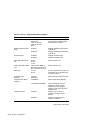
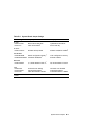
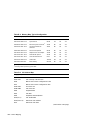
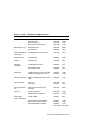
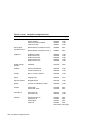
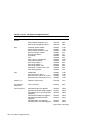
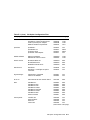
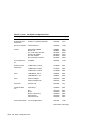
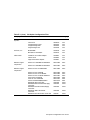
Table 1 applicationDEC 400xP Documentation Set
Manual
Part Number
System Installation Guide
1
EK-PS200-IG
Minimum Requirements for Operating Systems
1
1
EK-PS200-AD
Electrostatic Discharge Notice
EK-PS200-ED
1
EK-PS200-CC
Product Information Request
Software Support Notice1
EK-PS100-SW
User Guide
EK-PS200-CG
SCO UNIX Boot Process Notice
1
1
EK-PS200-SB
Part of the applicationDEC 400xP Installation Package (EK-PS200-IP)
Conventions
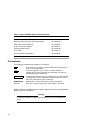
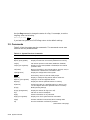
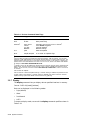
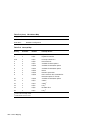
The following conventions are used in this manual:
Enter
A key name, such as Enter, is shown enclosed to indicate that you
press a key on the keyboard.
Ctrl/X
A two key sequence, such as Ctrl/X, is shown enclosed to
indicate that you must hold down the key labeled Ctrl while you
simultaneously press another key.
Ctrl/Alt/Delete
A multiple key sequence, such as Ctrl/Alt/Delete, is shown enclosed
to indicate that you must hold down the keys labeled Ctrl and Alt
while you simultaneously press another key.
boldface text
Boldface text is used to represent the name of a command.
italic text
Italic text is used to indicate SCO UNIX System V file names.
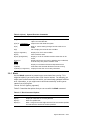
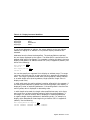
Notes, Cautions, and Warnings are used throughout this manual to emphasize
specific kinds of information:
Warning
A Warning indicates the presence of a hazard that can cause personal
injury.
xii