1
2.
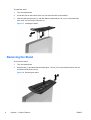
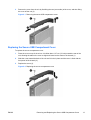
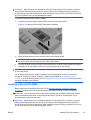
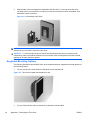
Lift the metal side cover, front side first, off the unit (2).
Figure 2-4 Removing the metal side cover
Replacing the Metal Side Cover and Side Access Panel
To replace the metal side cover:
1.
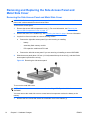
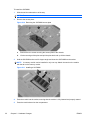
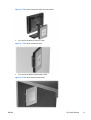
Place the metal side cover on the chassis, rear edge first, making sure to insert the tabs in the
rear edge of the cover in the holes in the chassis (1).
2.
Insert and tighten the four screws (2).
Figure 2-5 Replacing the metal side cover
To replace the access panel:
1.
ENWW
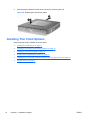
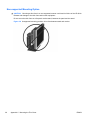
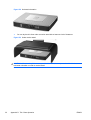
Place the access panel on the side of the unit, offset about 6.35 mm (1/4 inch) toward the top of
the unit (1).
Removing and Replacing the Side Access Panel and Metal Side Cover
15