1
Recording videos
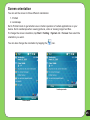
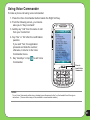
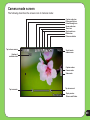
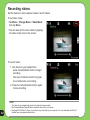
Set the device to video capture mode to record videos.
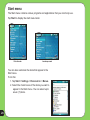
To set video mode:
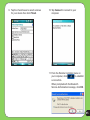
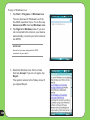
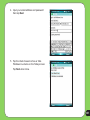
• Tap Menu > Change Mode > Video Mode
then tap Done.
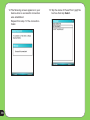
• You can also set the video mode by tapping
the video mode icon on the screen.
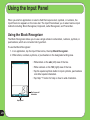
To record video:
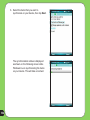
1. Aim device to your subject then
press camera/shutter button to begin
recording.
The record indicator turns from green
to red while video is recording.
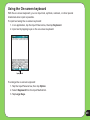
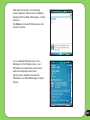
2. Press the camera/shutter button again
to stop recording.
82
NOTE:
•The video clip is automatically saved to the default storage location.
•Use Windows Media Player Mobile to playback video clip in your device.
• Use Apple® QuickTime™ player, if you wish to play video clips in your computer. You can download QuickTime™
installer from www.apple.com/quicktime.