1
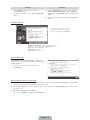
●● Unlock
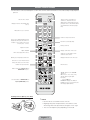
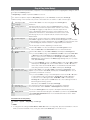
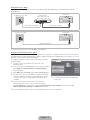
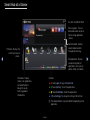
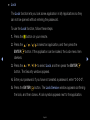
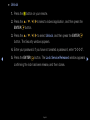
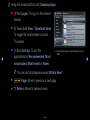
1. Press the { button on your remote.
2. Press the u / d / l / rto select a locked application, and then press the
ENTERE button.
3. Press the u / d / l / r to select Unlock, and then press the ENTERE
button. The Security window appears.
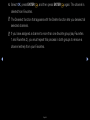
4. Enter your password. If you have not created a password, enter “0-0-0-0”.
◀
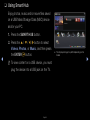
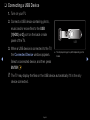
5. Press the ENTERE button. The Lock Service Released window appears
confirming the lock has been release, and then closes.
English
▶