1
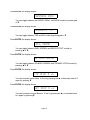
 The display should now look like this:
'$.' You have now saved the station into the preset 01.
There are two tuner A/V presets you can also save. These presets are the A/V preset
numbers 5 and A5. If you do not save these presets the AVP will always pick the
default frequency of 87.50 MHZ when you press 5 (or A5) and ENTER.
Bring your favorite station up on the display:
'$.' Set the desired volume level:
) d
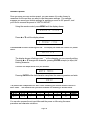
Set the desired mode (example: stereo front to rear):
Note: You may use any mode you wish.
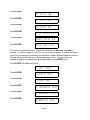
Press SAVE, 5, then ENTER, and the display shows:
You have now saved your favorite station under A/V preset 5. You may follow the same
procedure for the preset A5.
Recall a Station Preset Simply press the STATION +/- buttons until your desired station is
displayed.
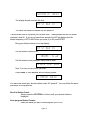
Auto-program Station Presets Select the band you wish to auto-program (AM or FM).
Page 31