1
36
Chapter 3 Setting up customers in ICSRT
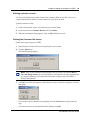
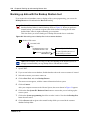
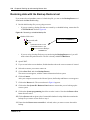
If you do not create a new database and then point the Customer Info screen to that database, any
Customer records you create will be added to the default database.
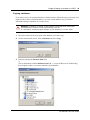
Creating a database
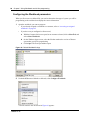
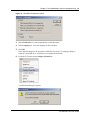
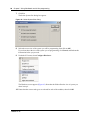
This procedure creates an empty database at a location of your choice on your computer.
1
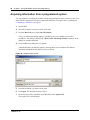
Open ICSRT. (Start, Nortel Networks, Norstar ICS Remote Tools XX.X,
Norstar ICS Customer Info)
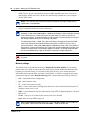
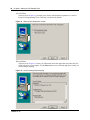
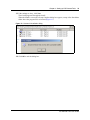
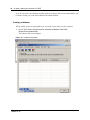
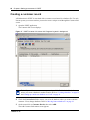
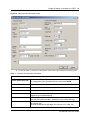
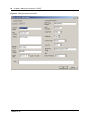
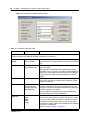
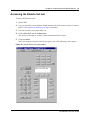
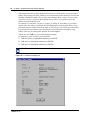
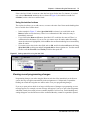
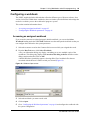
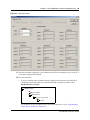
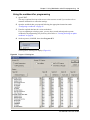
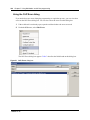
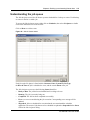
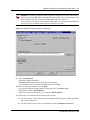
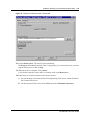
The Customer Info screen displays.
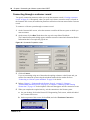
Figure 14 Customer Info screen
P0604573 05