1
F ILE A UTHENTICATION
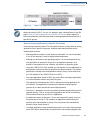
FILESIGN.EXE File Signing Tool
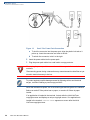
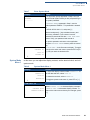
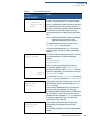
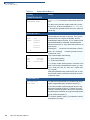
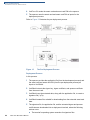
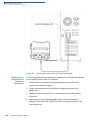
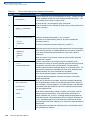
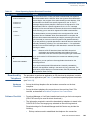
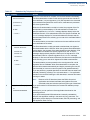
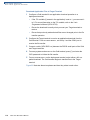
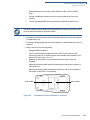
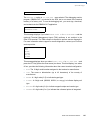
If you want to store the file in flash memory on download to the terminal, check
the “Stored in FLASH” checkbox. This adds the “F:” prefix to the target file
name.
•
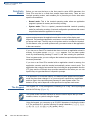
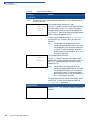
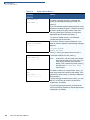
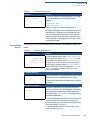
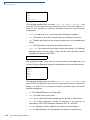
Press ALT-S or click on the [...] button to the right of the “Signature file” field to
enter a filename for the signature file to be generated. The filename extension
must always be *.p7s. You can also choose another directory to store the
generated signature file.
•
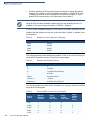
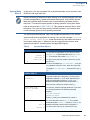
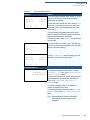
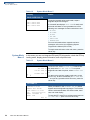
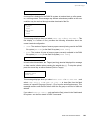
When all entries are complete, press ALT-O or click the OK button to execute
FILESIGN.EXE and generate the signature file. Or, press ALT_A or click
Cancel to exit the FILESIGN.EXE utility.
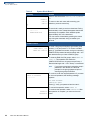
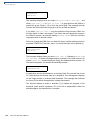
When the necessary signature files are generated to authenticate the application
or applications on the Omni 37xx terminal, you are ready to perform the
application download procedure.
For more information about file authentication within the context of specific
download procedures, please refer to Chapter 6.
O MNI 37 XX REFERENCE M ANUAL
77