1
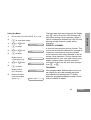
Using the Menu
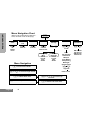
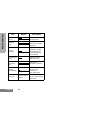
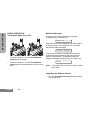
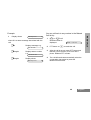
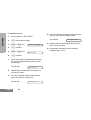
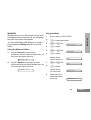
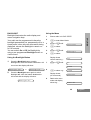
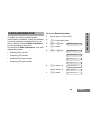
Ensure radio is in IDLE STATE, or in a call.
2
c to enter Menu Mode.
3
+ or e until:
4
c to select.
5
+ or e until:
6
c to select.
Utilities
PRIORITY CHANNEL
Scan
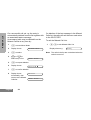
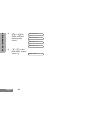
Display shows
current status e.g. :
Off
7
+ or e until:
On
8
c to select.
Display shows:
(for 2 seconds)
9
Radio exits menu
mode and display
shows e.g.:
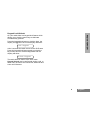
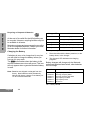
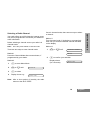
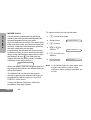
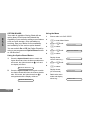
A scan list may contain a priority channel. This
means that a particular channel (for example, a
commonly used channel) may be checked
more frequently than other channels in the list
during a scan operation. Priority channels are
programmed into your radio scan lists by your
dealer, however when a priority channel is
included in a scan list, the scan icon changes
from G to H.
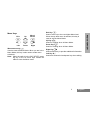
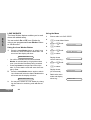
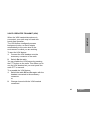
TALKBACK
Selected
Chan: 05
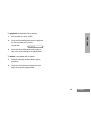
If the programmable Talkback option is set, you
can respond to any calls received during the
scan operation by pressing the PTT button
before the programmed hang-time ends. Check
with your dealer for details.
37
English
UTILITIES
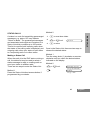
1
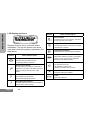
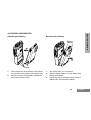
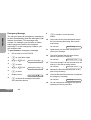
The scan start alert tone will sound, the display
icon G will be lit and the LED indicator will
blink green during a scan operation. When a
call on a channel is detected the LED will stop
blinking and the channel number will be
displayed.