1
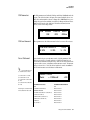
Arp/Beats Menu
Multi-Channel Arpeggiating
Multi-Channel
Arpeggiating
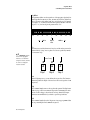
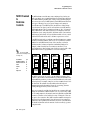
One of the coolest features in Vintage Pro is its ability to run multiple
arpeggiators at the same time. The interactions of multiple note sequences
can be complex and fascinating. Vintage Pro lets you run up to sixteen
arpeggiator patterns at once! Even two or three patterns at once can create
very complex sequences and dynamic landscapes of sound.
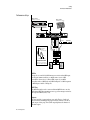
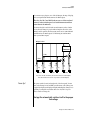
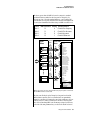
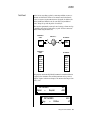
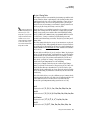
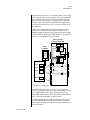
Here’s one way to use this ultra-powerful feature. There is one arpeggiator
for each MIDI channel. In order to arpeggiate on multiple channels, you
need a controller that can output multiple MIDI channels at once.
1.
2.
3.
4.
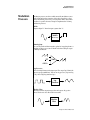
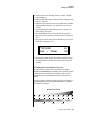
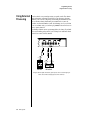
Set up your MIDI keyboard so that it outputs the entire keyboard on
MIDI channels 1 and 2. This procedure varies with the type of keyboard
you own. Refer to the owner’s manual that came with your keyboard
for instructions.
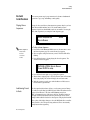
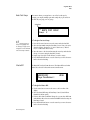
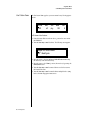
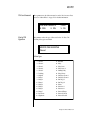
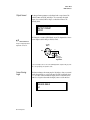
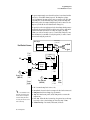
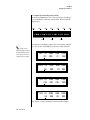
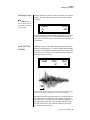
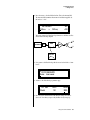
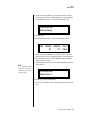
Put Vintage Pro into Multi mode. This is located in the Master menu,
MIDI Mode page.
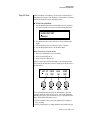
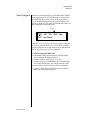
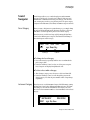
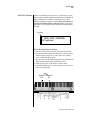
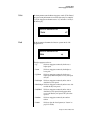
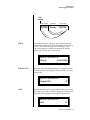
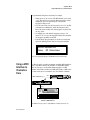
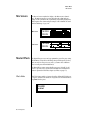
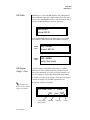
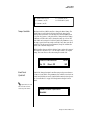
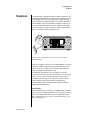
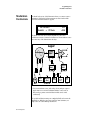
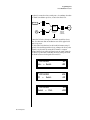
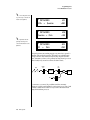
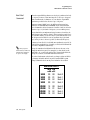
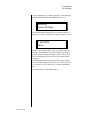
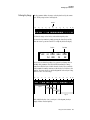
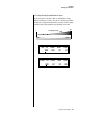
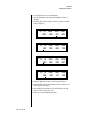
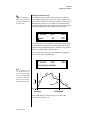
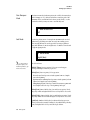
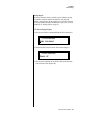
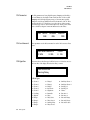
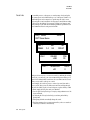
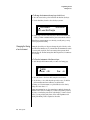
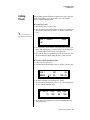
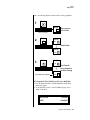
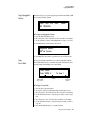
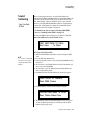
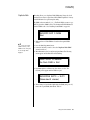
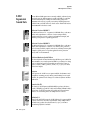
On the main screen, turn the arpeggiator “on” for MIDI channels 1 and
2. (We’re only using two channels for now to keep it simple.) Select a
different preset for each MIDI channel while you’re at it.
C01
V127
P00
A:on
0391
syn: Juno Pulse
VROM
Start playing. You should be hearing two arpeggiators playing at once.
Vintage Pro Owners Manual 61