1
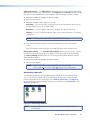
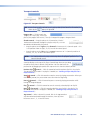
Autoplay Setup Dialog Box
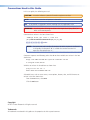
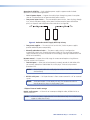
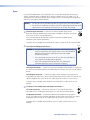
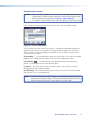
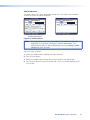
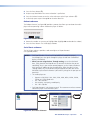
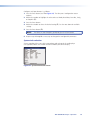
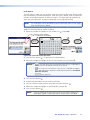
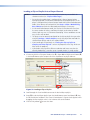
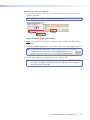
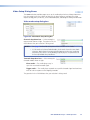
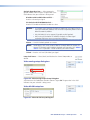
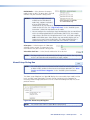
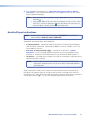
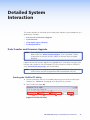
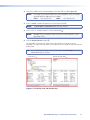
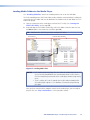
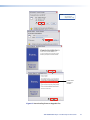
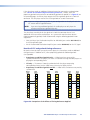
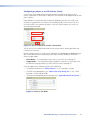
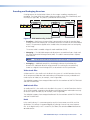
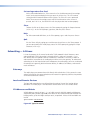
The Autoplay setup dialog box (see figure 49) displays of the complete path of a clip file
selected to autoplay in each channel and buttons to clear an autoplay selection.
Figure 49. Autoplay Setup Dialog Box
NOTE:
Click the
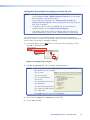
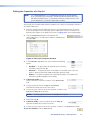
This dialog box lets you view and clear an autoplay selection only. To set a clip file
to autoplay, see “Setting the clip or playlist to autoplay and view clip info“.
to close the dialog box.
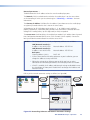
Network Setup Dialog Boxes
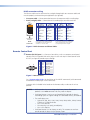
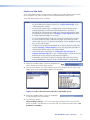
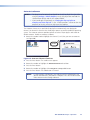
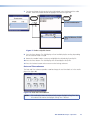
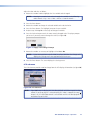
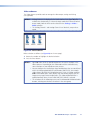
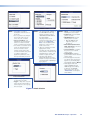
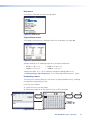
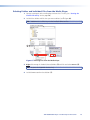
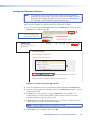
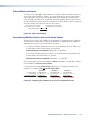
The Network selection provides pages to set up the media player for use in a LAN. Use these
pages to access and change all of the port settings for both Ethernet connections of the
media player.
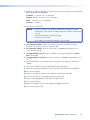
NOTES: • The factory default IP, netmask, and gateway addresses are as follows:
LAN (Network Interface) 1:
IP address: 192.168.254.254
Netmask address: 255.255.0.0
LAN (Network Interface) 2:
IP address: 192.168.254.253
Netmask address: 255.255.0.0
Both ports:
Gateway address: 0.0.0.0
DHCP: Off
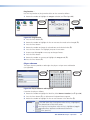
• If these values conflict with other equipment at your installation, you can
change the addresses to any valid value.
• Editing the settings for an Ethernet port on which you have an active
connection can immediately disconnect the media player from the network
• If DHCP is enabled, the IP address and Netmask settings are disabled.
Disable DHCP to change the IP address and Netmask settings.
JMP 9600 Media Player • HTML Operation
48