1
CONTENTS
1
GETTING STARTED
INTRODUCTION
2
– Making floppy disks from CD-ROM
MAIN FEATURES
3
3
INSTALLING THE PRINTER DRIVER SOFTWARE
– Description of the printer driver
4
– Checking the hardware and software requirements
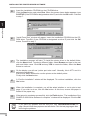
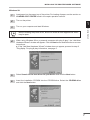
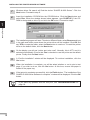
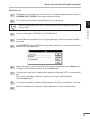
– Installing the printer driver
4
4
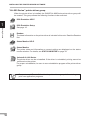
– “AL-800 Series” printer driver group
2
4
10
PRINTING
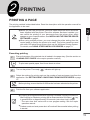
PRINTING A PAGE
11
– Executing printing
11
– Indicators on the operation panel
12
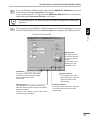
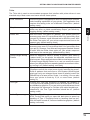
SETTING PRINT CONDITIONS FROM PRINTER DRIVER
PRINTING FROM AN MS-DOS APPLICATION
– Print setting from the MS-DOS prompt
– Setting on the front panel
– Software printer setting
3
16
17
17
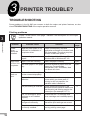
PRINTER TROUBLE?
TROUBLESHOOTING
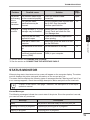
– Printing problems
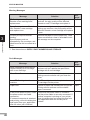
STATUS MONITOR
18
18
19
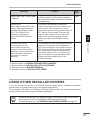
USING OTHER INSTALLED DRIVERS
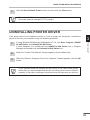
UNINSTALLING PRINTER DRIVER
4
12
16
21
23
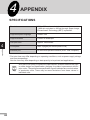
APPENDIX
SPECIFICATIONS
24
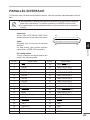
PARALLEL INTERFACE
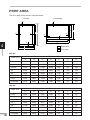
PRINT AREA
25
26
INDEX
1