1
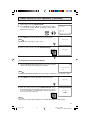
Demo Mode
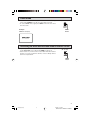
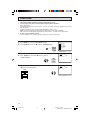
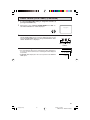
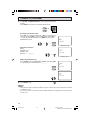
• To learn more about the TV set, you can enter DEMO mode. Simply
press and hold MENU on the TV set for more than 3 seconds.
• To cancel DEMO mode, again press MENU on the TV set for more
than 3 seconds.
(On the Set)
MENU
button
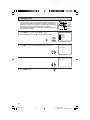
Example:
DEMO mode display
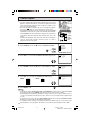
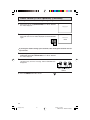
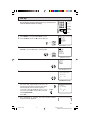
Accessing the MAIN MENU screen without Remote Control
• If you misplaced your Remote Control you can still access most settings
via the MAIN MENU screen by pressing MENU on the TV set.
• Some features of your TV set are not accessible without the Remote
Control. If you lost your Remote Control, contact a Sharp Service
Center for a replacement.
(On the Set)
MENU
button
9
32C231(08-09)
9
3/27/03, 11:13 AM
Dimension: 140mm x 215mm