1
User Manual
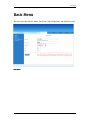
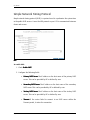
About the Web Interface
The Web Manager is used to configure the router settings.
Accessing the Web Manager
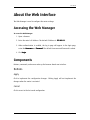
To access the Web Manager:
1. Open a browser.
2. Enter the router’s IP Address. The default IP Address is 192.168.1.1.
192.168.1.1
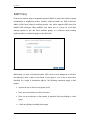
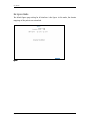
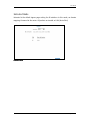
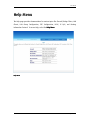
3. When authentication is enabled, the log in page will appear. In the login page,
enter the Username and Password.
Password The default Username and Password is admin.
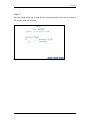
4. Click Login.
Login
Components
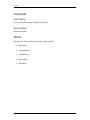
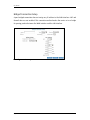
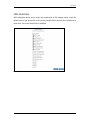
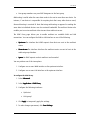
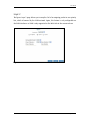
Buttons, commands, and menus make up the browser-based user interface.
Buttons
Apply
Click to implement the configuration changes. Clicking Apply will not implement the
changes when the router is restarted.
Cancel
Click to revert to the last saved configuration.
Page 19 of 90