1
INTERVAL SETUP
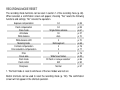
The parameters for the interval drive mode (p. 66) are set in section 2 of the recording
menu (p. 80).
Int. set
Bracket set
Select “Enter” in the interval-set option in section 2
of the recording menu. Press the center of the
controller to open the setup screen.
Enter
Int. set
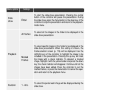
Interval
No.of frames
Start time
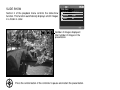
On the setup screen, use the up/down controller
keys to highlight the parameter to be changed
and then press the right controller key. Use the
up/down keys to change the parameter. Use the
left controller key to return to the parameters.
Continue until the parameters are set.
1 min
2
No delay
:enter
press the center of the controller to complete the operation. The menu button
closes the screen and cancels any changes.
BRACKETING SETUP
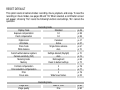
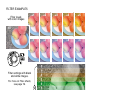
When making an exposure bracket (p. 62), the exposure difference among frames can
be set to 0.3EV or 0.5Ev. This is set in section 2 of the recording menu (p. 80).
Normal
Under
Over
0.3 Ev
bracket
96
RECORDING
MENU
0.5 Ev
bracket