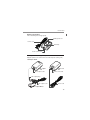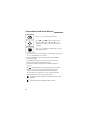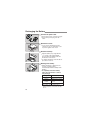
1
Using the Built-in Flash
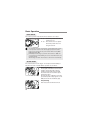
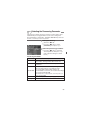
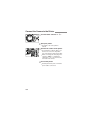
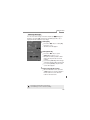
j FE Lock
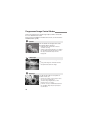
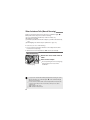
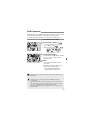
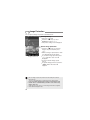
FE (flash exposure) lock obtains and locks the correct flash exposure
reading for any part of a subject. It works in Creative Zone modes.
that the <M > icon is lit.
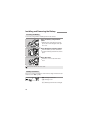
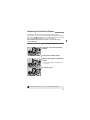
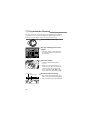
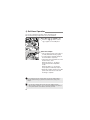
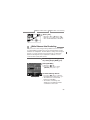
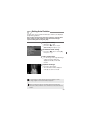
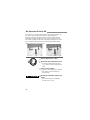
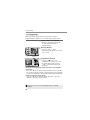
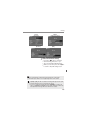
1 Check
Press
the <M > button to pop-up the
•
built-in flash.
check that the < M >
• Inicontheisviewfinder,
lit.
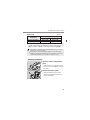
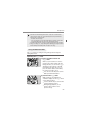
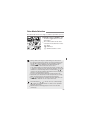
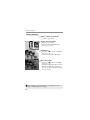
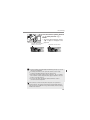
on the subject.
2 •Focus
Press the shutter button halfway.
Keep pressing the shutter button
halfway until step 4.
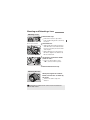
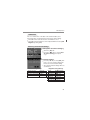
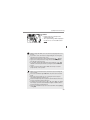
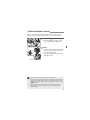
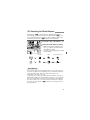
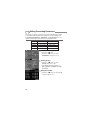
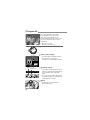
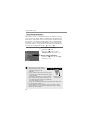
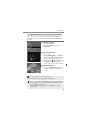
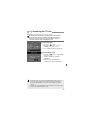
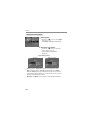
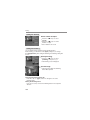
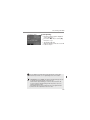
the <j> button. ( √)
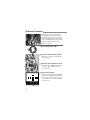
3 Press
• Aim the viewfinder center over the
s
•
subject where you want to lock the
flash exposure, then press the <j>
button.
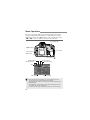
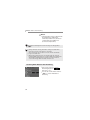
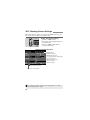
A preflash will fire and the <j> icon
will light in the viewfinder.
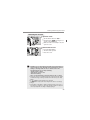
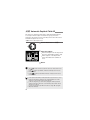
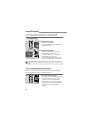
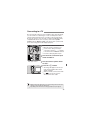
Hold down the <j> button.
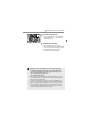
4 Shoot.
• Compose the shot and press the
shutter button fully.
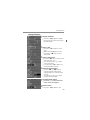
If the subject is too far away and beyond the effective range of the flash,
the <M> icon will blink. Get closer to the subject and repeat steps 2 to 4.
83