1
SETTINGS
SETTINGS
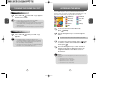
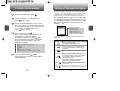
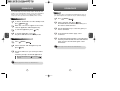
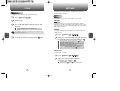
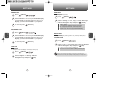
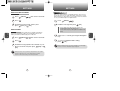
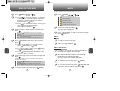
LANGUAGE
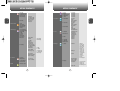
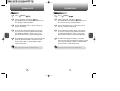
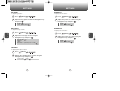
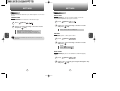
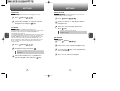
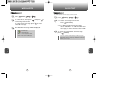
VOICE SETTING
Selects the language in which letters are displayed on screen.
To answer calls when your cellular telephone is connected to an
optional hands-free car kit or headset:
1 Press
[MENU]
.
1 Press
2 Select either “English” or “Français” with the
Navigation Key and press
[OK].
2 Select “Set Active” or “HFK Mode” with the
Navigation Key.
press
4
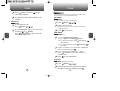
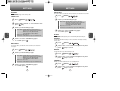
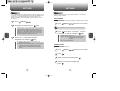
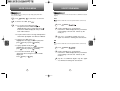
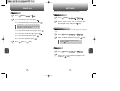
A TTY (also known as a TDD or Text Telephone), is a
telecommunications device that allows people who are deaf or hard
of hearing, or who have speech or language disabilities, to
communicate via a telephone.
Your cellular telephone is compatible with select TTY devices. Please
check with the manufacturer of your TTY device to ensure that it
supports digital wireless transmission. Your cellular telephone and
TTY device will connect via a special cable that plugs into your
phone's headset jack. If this cable was not provided with your TTY
device, contact your TTY device manufacturer to purchase the
connector cable.
1 Press
.
3 Select one of the following options and
TTY MODE
C
H
[MENU]
[MENU]
.
2 Read the message, then press
[OK].
Set Active : Talk Key / Active Flip / Off
HFK Mode : On, Off
C
H
4
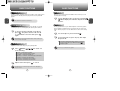
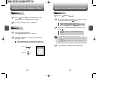
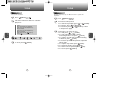
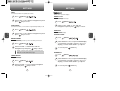
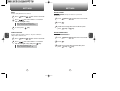
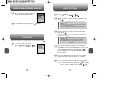
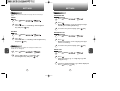
KEY GUARD
1 Press
[MENU]
.
2 Select “Off” or “On” with the Navigation Key.
.
Enabling TTY may impair headset use and non-TTY accessory
performance.
3 To save, press
[OK]. (“Key Guard Mode is
now on” displays.)
4 Press 1,2,3 to unlock your keypad.
3
Select either “Enable TTY” or “Disable TTY”
with the Navigation Key and press
[OK].
90
91