1
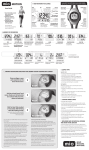
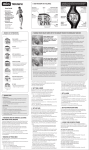
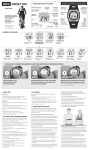
A. WAKING UP YOUR MIO AND QUICK START
Your MIO may be in sleep mode (with a blank display) when you first receive it.
Hold START until you see blinking 12H or 24H and start setting up the time and
date format:
- Press + or – to toggle the format:
- 12 = 12 Hour clock; 24 = 24 Hour clock
- Press SET for next setting.
- Do the same for TIME, DATE FORMAT, DATE, YOUR NAME, WEIGHT UNIT,
WEIGHT, GENDER, BIRTH YEAR.
- Press SET to finish.
2 English