1
System Baseline
This function is used to synchronize printing when using multiple QLS-4100 X
printers. If you are sending the same image file to two or more printers and notice
that the image prints in different vertical locations, you can use this function to
move the system baseline of a printer.
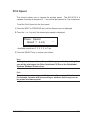
1 Press the PRINT/PAUSE key to pause printing on the printer whose system baseline
will be adjusted.
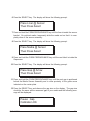
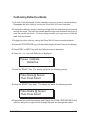
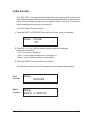
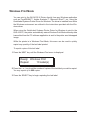
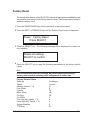
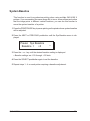
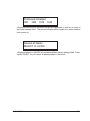
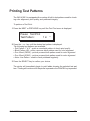
2 Press the NEXT or PREVIOUS pushbutton until the Sys Baseline menu is displayed.
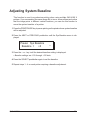
Pause: Sys Baseline
Baseline =
+3
*
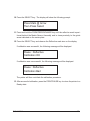
3 Press the + or - key until the desired baseline setting is displayed.
• Baseline settings are -120 through +120 dots.
4 Press the SELECT pushbutton again to set the baseline.
5 Repeat steps 1 - 4 on each printer requiring a baseline adjustment.
QLS-4100 X
62