1
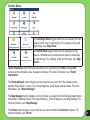
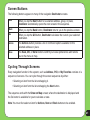
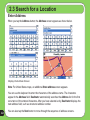
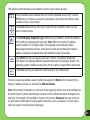
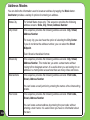
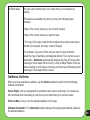
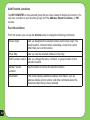
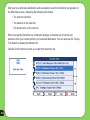
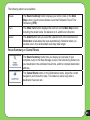
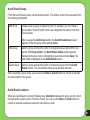
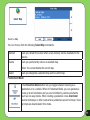
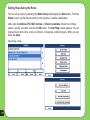
The following options are available:
Route
Turn
Aviod
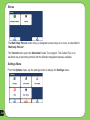
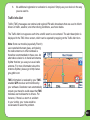
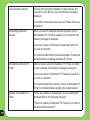
The Route Summary button displays your entire route on the Main
Map screen, plus the travel distance and the Estimated Travel Time
Remaining (ETR).
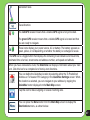
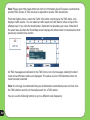
The Show Turn button displays the next turn on the Main Map screen,
including the street name, the distance to it, and the turn direction.
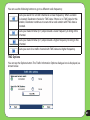
The Avoid button lets you avoid the selected turn in the directions list.
Destinator recalculates the route automatically. Note that when you
exclude a turn, the recalculated route may take longer.
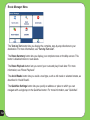
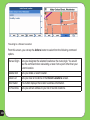
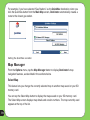
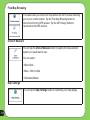
Route Summary or Cancel Route
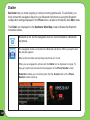
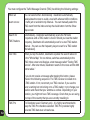
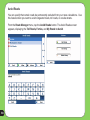
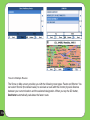
The Route Summary button lets you display an overview of your
complete route on the Map Manager screen, the total driving distance to
your destination, the estimated travel time, and the complete destination
address.
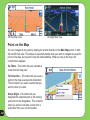
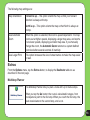
The Cancel Route button, in the Destinations menu, stops the current
navigation and clears the route. This feature is active only after a
destination has been set.
65