1
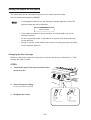
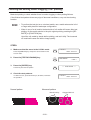
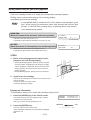
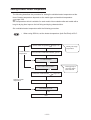
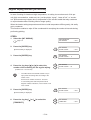
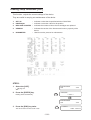
When the waste ink tank becomes full
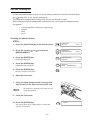
Waste ink used for cleaning the heads will gather in the waste ink tank.
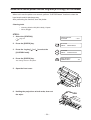
When the waste ink has gathered to exceed the marker line on the tank, immediately
replace the tank with a new waste ink tank.
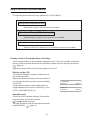
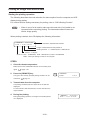
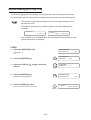
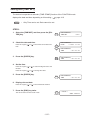
STEPS:
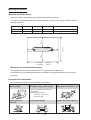
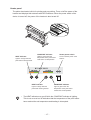
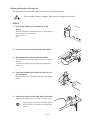
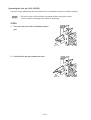
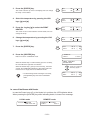
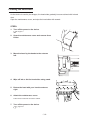
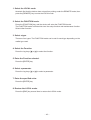
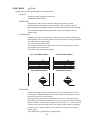
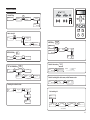
1. Remove screws from the waste tank guard.
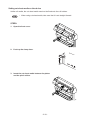
2. Open the waste tank guard.
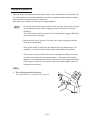
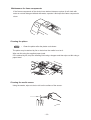
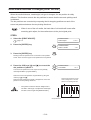
3. Holding the handle, raise the waste ink tank.
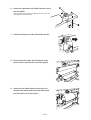
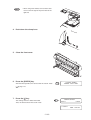
4. With the tank raised, turn the tank by 90 degrees and let it down.
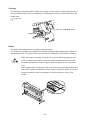
5. Pull out the tank toward you.
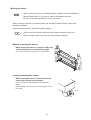
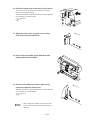
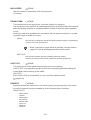
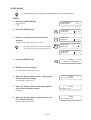
6. Replace the waste ink tank with a new one.
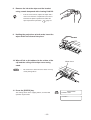
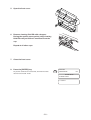
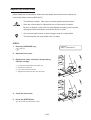
Hold the handle, then insert the tank into the direction shown
by the arrow.
Put a cap over the tank that is full of waste ink and dispose of
the tank.
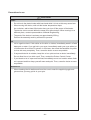
•
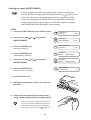
When pulling out the waste ink tank, hold the
opening of the waste ink tank with paper and
then slowly pull it out to prevent waste ink from
spattering.
•
Before replacing ink, put paper on the floor to
prevent it from being stained with ink.
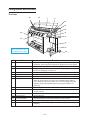
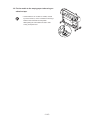
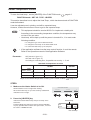
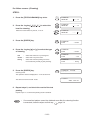
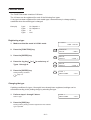
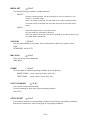
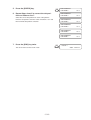
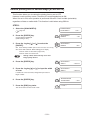
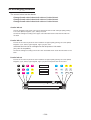
7. Raise the inserted waste ink tank, then turn it
by 90 degrees.
8. Close the waste tank guard and secure with
the screws.
•
Request an industrial waste processor for
processing of empty cartridges.
- 3.10 -