1
32
Handset settings
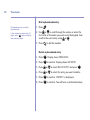
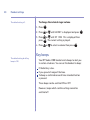
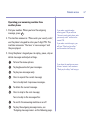
To switch key lock off:
1. Press any key and the display shows PRESS *.
2. Press
and the display returns to the idle screen.
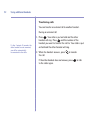
Naming a handset
Each handset registered to the base is assigned a
number. You can give a handset a name as well as a
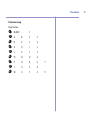
number to match the user or location e.g. ANNE or
OFFICE. The name can be up to 10 characters long.
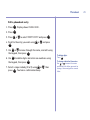
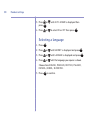
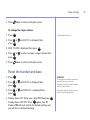
1. Press
Menu
2. Press
Vol
or
until HANDSET is displayed and press
Vol
or
until NAME is displayed then press
3. Press
.
Menu
Menu
.
.
Secrecy
Clr
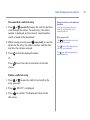
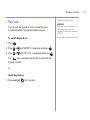
4. Use the
button to delete the existing name and
enter a new name using the keypad, then press Menu .
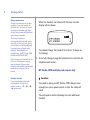
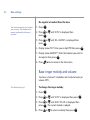
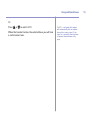
NAME will be shown in the display until the product
returns to standby when the set name will be shown.
The new handset name will replace the handset name in
the display. The handset number will be shown on the far
right hand corner of the display.