1
Forwarding calls
9-3
Chapter 9: Call Forwarding and Routing Lists
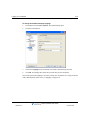
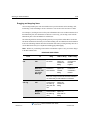
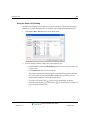
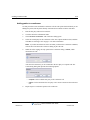
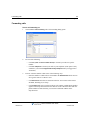
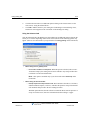
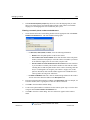
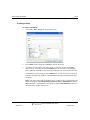
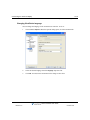
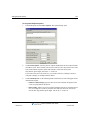
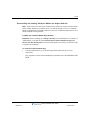
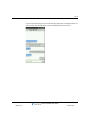
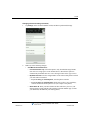
4.
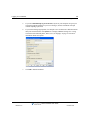
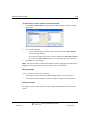
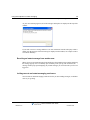
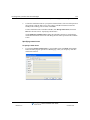
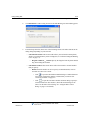
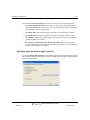
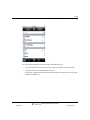
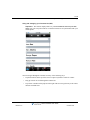
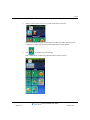
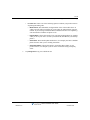
•
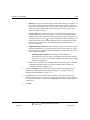
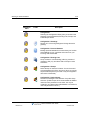
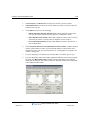
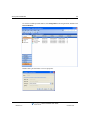
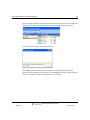
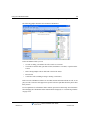
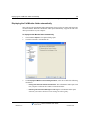
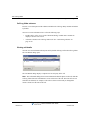
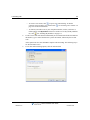
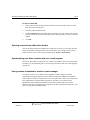
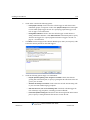
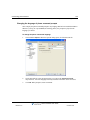
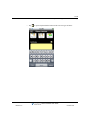
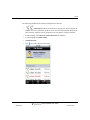
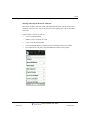
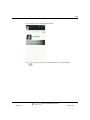
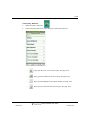
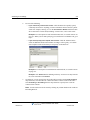
To create a new contact, click
to open a new Contact dialog. To edit the
currently selected contact, press Alt and click
. See “Entering a new contact” on
page 10-5 for more information.
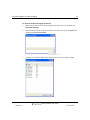
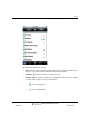
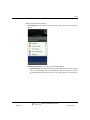
•
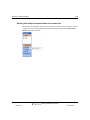
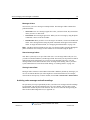
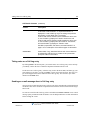
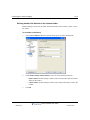
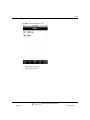
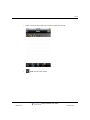
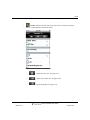
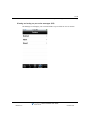
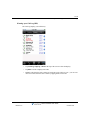
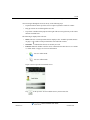
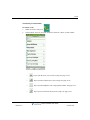
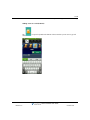
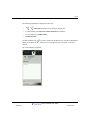
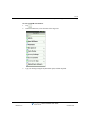
To forward your calls to one of your own phone numbers, such as your home or
mobile phone, click My Numbers and select it on the list. To edit your My Numbers
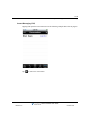
list, click
. See “Entering My Numbers” on page 6-5.
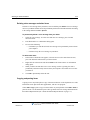
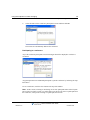
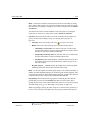
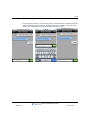
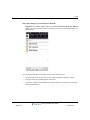
To enter an account code that will automatically be associated with all calls forwarded to
this number, type a vertical bar character (|) after the number, followed by the account
code.
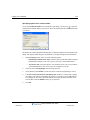
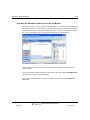
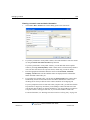
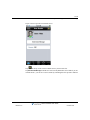
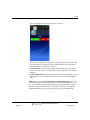
At this point most users can click OK to complete call forwarding. The following step is
for advanced Wave users.
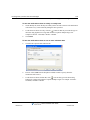
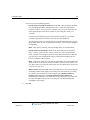
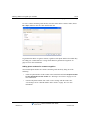
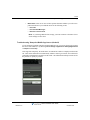
5.
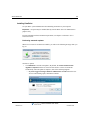
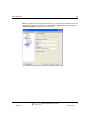
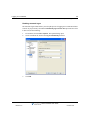
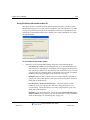
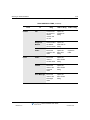
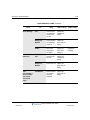
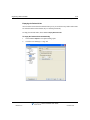
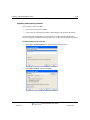
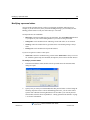
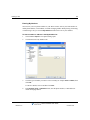
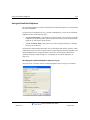
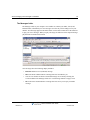
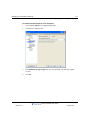
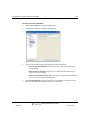
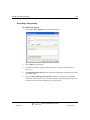
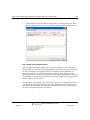
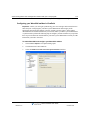
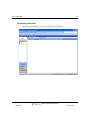
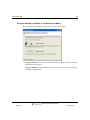
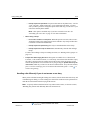
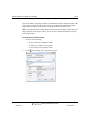
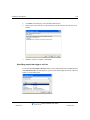
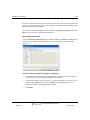
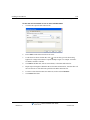
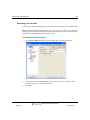
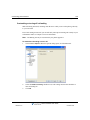
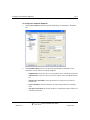
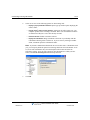
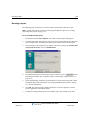
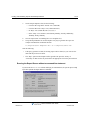
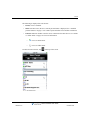
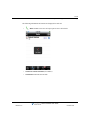
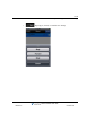
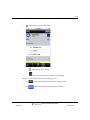
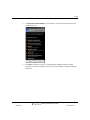
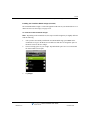
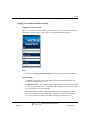
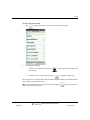
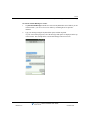
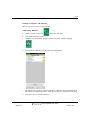
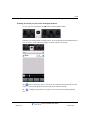
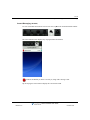
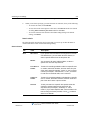
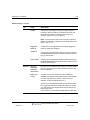
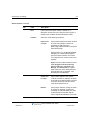
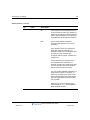
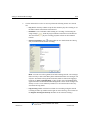
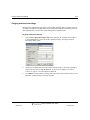
To set other call forwarding options, click the Advanced tab.
Wave ViewPoint User Guide
Release 3.0
October 2012