1
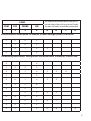
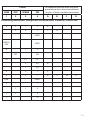
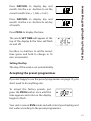
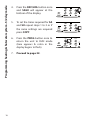
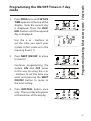
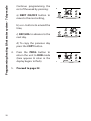
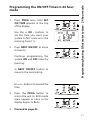
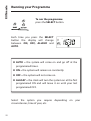
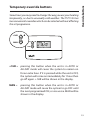
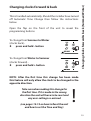
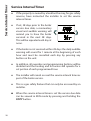
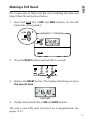
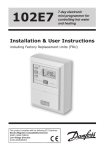
1. Press PROG once until SET ON TIME appears at the top of the display. DAY/HOL Use the + OR - buttons to set the time you want your system to first come on in the morning (Event 1). 2. Press NEXT ON/OFF to move to Event 2. DAY/HOL Continue programming the system ON and OFF times by pressing: a) NEXT ON/OFF button to move to the next setting, b) + or - buttons to amend the time, 3. 4. Press the PROG button to return the unit to RUN mode (time appears & colon in the display begins to flash). Programming heating & hot water system 24 hour mode Programming the ON/OFF Times in 24 hour mode DAY/HOL DAY/HOL Proceed to page 22. 21