1
Printing a Report
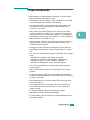
Your machine can print reports containing useful information –
Schedule Job, System Data, etc. The following reports are
available:
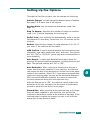
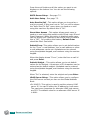
Fax Phone Book: This list shows all of the numbers currently
stored in the machine’s memory as one-touch dial, speed dial
and group dial numbers.
Sent Report: This list shows the results of a fax sent operation.
RCV Report: This list shows the results of a fax received
operation.
System Data: This list shows the status of the user-selectable
options. After settings are changed, print this list to confirm
your changes.
Scheduled Jobs: This list shows the document currently stored
for Delayed transmission, Priority transmission, and TX or Delay
RX polling. The list shows the starting time, the type of
operation and other information.
MSG Confirm: This report shows the fax number of pages, the
elapsed time of the job, the communication mode, and the
communication results for a particular fax job.
You can set up your machine to automatically print a message
confirmation report after each fax job. See page 6.7.
Email TX Report: This report shows the status of the E-mail
transmissions.
Junk Fax List: This list shows the fax numbers defined as junk
fax numbers by using the Junk Fax Setup menu.
Billing/Counters: This list shows the billing report stored by
department code.
Connect Page: Provides connection information for the
Network function.
User Auth List: Provides User Authentication information for
the E-mail function.
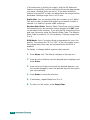
Netscan Journal: This list shows informaton for the Netscan
records including IP address, time & date, the number of pages
scanned, and result. This report is automatically printed when
the report contains the 50 jobs and the recordes that are printed
will be deleted.
6.10 ADDITIONAL FEATURES